P1000 Code: Verify Its Meaning and Resolve Incomplete Readiness
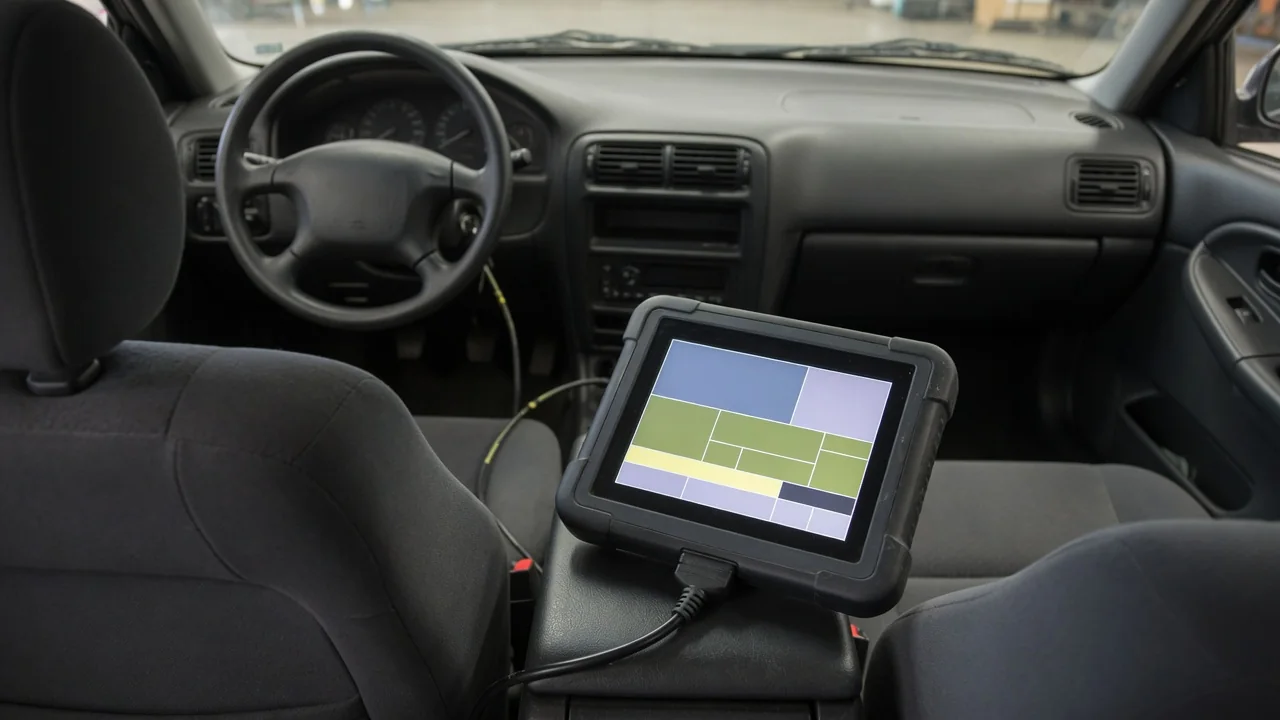
A P1000 reading on a scan tool often causes more worry than it deserves, but it still calls for careful interpretation. Because the code is defined by individual manufacturers rather than a universal standard, its meaning must be confirmed for your specific vehicle. Where it signals incomplete readiness testing, the practical path involves understanding why the self-tests reset, letting them finish properly, and checking status before any emissions inspection.
Verify What P1000 Means for Your Vehicle
Before drawing any conclusion from P1000, confirm how the manufacturer defines it for your exact make, model, year, and powertrain. Codes in the P1 range are manufacturer-specific diagnostic codes, meaning each automaker can assign its own definition, and the same number may describe different conditions across brands or even across engine and transmission combinations. A generic code lookup can therefore mislead you. Factory service information, a dealer, or a scan tool with enhanced manufacturer coverage is the reliable way to establish what the code represents on your vehicle.
On some applications, P1000 is used to indicate that OBD readiness testing has not yet finished, rather than to report a detected malfunction. Where that definition applies, the code simply tells you the computer has not completed its full set of self-checks since its memory was last reset. It does not name a failed sensor, valve, or catalytic converter, and it provides no basis for replacing parts. Treating it as a component fault risks spending money on repairs that address nothing while the real status question remains unanswered.
Why P1000 Can Appear After a Readiness Reset
On vehicles that use P1000 for incomplete readiness, the code frequently follows an event that wiped the engine computer's stored monitor results. Clearing diagnostic codes with a scan tool typically resets readiness information along with the codes themselves, and disconnecting the battery can have the same effect on many applications. A dead battery, a jump-start after complete power loss, or electrical work that interrupted the computer's supply may also return monitors to an incomplete state, leaving the system to rerun its tests from the beginning.
When establishing a timeline, note any recent battery replacement, loss of power, repair visit, or scan-tool clearing, including work done by someone else before you owned the vehicle. That history often explains the code better than any symptom. Repeated resets are a particular problem: each one erases progress before monitors can record a completed status, and each clearing can also discard stored codes and freeze-frame data that would have helped a technician understand an earlier fault. Avoiding unnecessary resets preserves that evidence.
Read Monitor Status and Accompanying Codes
With the vehicle safely parked, the parking brake set, and the transmission in park or neutral as appropriate, open the scan tool's emissions readiness screen and record the status of each monitor listed. Typical entries cover systems such as the catalyst, evaporative emissions, oxygen sensors, and exhaust gas recirculation, though the set varies by vehicle. Complete means the self-test has run and finished. Incomplete means it has not yet done so. Unsupported means the vehicle does not use that monitor, so it will never complete and does not need to.
Before clearing anything, write down every stored and pending trouble code along with whether the check-engine light is on. Pending codes can reveal a fault the computer has detected once but not yet confirmed, which may explain why a related monitor refuses to finish. Keep in mind that readiness status describes testing progress, not engine health. If the engine runs rough, stalls, hesitates, or behaves unusually, incomplete monitors cannot explain why; those symptoms need their own diagnosis based on codes, data, and inspection.
Help Readiness Monitors Complete Safely
Each applicable monitor runs only when its enabling conditions are met, and those conditions differ by system and manufacturer. Depending on the vehicle, requirements may involve engine coolant and ambient temperature, fuel level, a cold start after the vehicle has sat for some time, and stretches of steady cruising or deceleration. Because these criteria vary, the correct approach is to follow the verified drive-cycle procedure published for your specific vehicle rather than a generic set of speeds, distances, or times borrowed from another model.
For many owners, ordinary driving that includes a cold start and a mix of city and highway travel within posted limits gives monitors their opportunity to run. If a prescribed procedure calls for maneuvers you cannot perform lawfully and safely on available roads, ask a qualified shop to handle it rather than improvising. Frequent short trips may never let the engine reach the conditions some tests require, and an evaporative monitor may wait for particular temperature or fuel conditions, so no fixed distance guarantees completion.
When P1000 Clears and When Testing Is Needed
On applications that use P1000 to signal incomplete readiness, the code generally goes away on its own once the required self-tests finish according to the manufacturer's criteria. There is no need to erase it, and doing so is counterproductive. Manually clearing P1000 typically resets readiness again, sending the monitors back to the start, and a disappearing code proves nothing about whether testing actually finished. The only meaningful confirmation is a readiness screen showing supported monitors as complete, with no new stored or pending codes appearing.
Professional diagnosis makes sense when the same monitors stay incomplete despite verified enabling conditions, when other codes keep returning, or when drivability symptoms are present. A technician can confirm the code definition with manufacturer information, review which prerequisites a stubborn monitor is waiting for, and study scan data such as temperature readings, fuel trims, and sensor behavior. Recorded faults and any freeze-frame data help narrow the investigation. The goal is to find why testing cannot finish, not to assume a particular part has failed.
Check Readiness Before an Emissions Inspection
Incomplete monitors can affect inspection eligibility even when the check-engine light is off and the car seems to run perfectly. Many emissions programs examine readiness status directly, and a vehicle reporting too many incomplete monitors may be turned away or asked to return later. How many incomplete monitors are allowed, if any, depends on the jurisdiction, the model year, and sometimes the fuel type, so check the applicable program's current rules instead of assuming another region's standard applies to you.
A few days before the appointment, check supported monitor status yourself or ask a shop to do it, leaving time for additional driving if something remains incomplete. Avoid clearing codes or disconnecting the battery shortly before the visit, since that can return monitors to incomplete and undo prior progress. Remember that P1000 alone cannot predict the result. Completed readiness only means the self-tests have run; the inspection may still evaluate other factors, so it does not guarantee a passing outcome.