Launch OBD2 Scanners: How to Choose a Diagnostic Tool
Start with the intended use
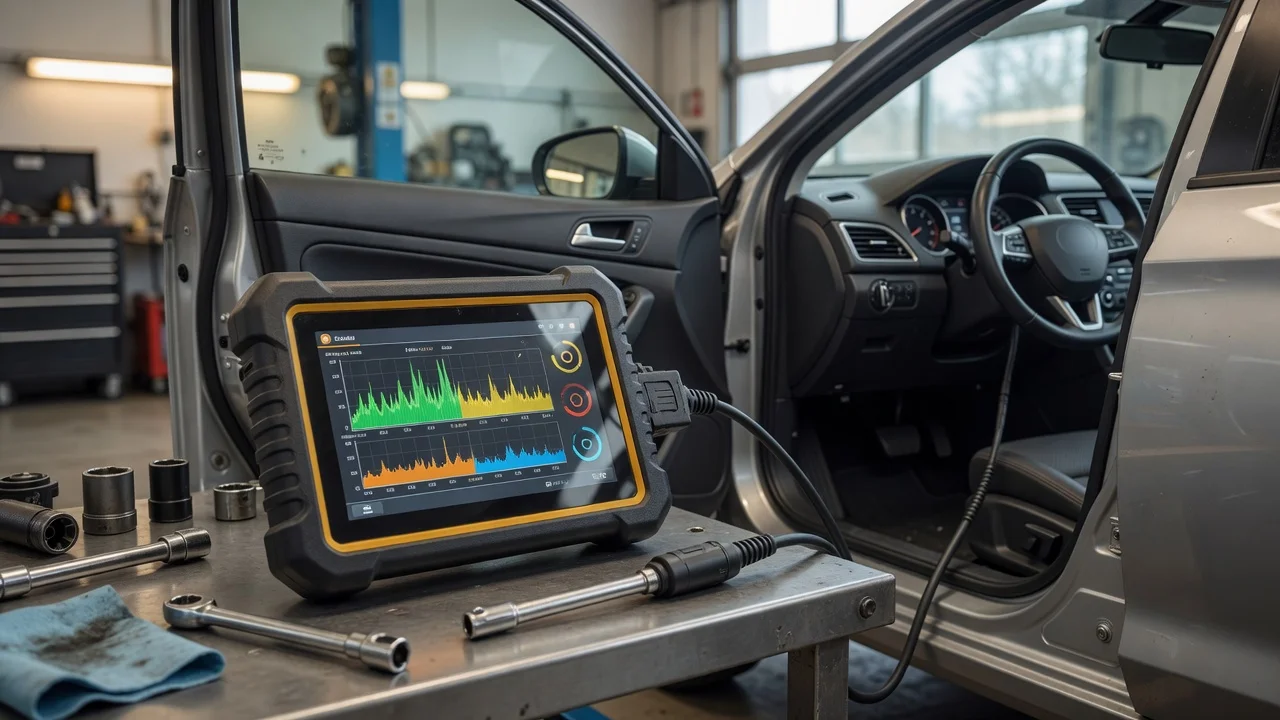
Before choosing a Launch diagnostic scanner, define where and how you will use it. A handheld tool may suit garage work, while a compact adapter that connects to a phone can be easier to carry. Decide whether the main task is reading basic engine faults, viewing live data, or performing service functions such as resetting an oil light. Consider the vehicle type as well: a passenger car, light truck, or diesel vehicle can require different diagnostic coverage. For occasional home use, a simpler scanner is usually enough. For workshop use, look for broader system access and faster communication with the vehicle.
Also think about how the tool connects. Some Launch scanners use a cable to the OBD2 port, while others use Bluetooth or Wi-Fi to communicate with a phone or tablet app. A physical keypad and screen can be easier to read in bright light, but a phone app may offer a larger display and simpler updates. The environment matters too: a dusty or busy workshop benefits from a tool that is easy to hold and does not depend on a fragile phone connection.
Features that matter
Look at what the scanner can actually read, not just the number of vehicles listed on the box. Basic tools may only access the engine control module, while more advanced Launch diagnostic scanners can read transmission, airbag, ABS, and other systems. Live data is useful when you need to watch sensor values while the engine is running. Freeze frame data can show the conditions present when a fault code was stored. If you plan to do maintenance, check whether the tool supports active tests or service resets.
Code coverage varies by region and vehicle. A scanner may work with many OBD2 vehicles but still have limited manufacturer-specific functions. Pay attention to the supported protocols and whether the tool can display fault code definitions. Some units only show a code and require you to look up the meaning separately. For a smoother workflow, choose a tool that shows clear definitions and lets you save or share a diagnostic report.
Check compatibility
Compatibility depends on more than the OBD2 connector. If the scanner uses an app, verify that your phone or tablet meets the app's operating system requirements. Some apps need a recent version of Android or iOS, and not every feature is available on every platform. For PC-based tools, check the supported Windows version and whether additional drivers or software are required. For handheld tools, confirm how updates are delivered and whether a computer or internet connection is needed.
Power is another factor. Most wired scanners draw power from the vehicle's OBD2 port, which is convenient for short tests. Wireless adapters may also be powered by the port, but the phone or tablet still needs enough battery for the session. For vehicles with unusual DLC locations or tight access, consider the cable length and connector shape. If you work on older vehicles, confirm that the scanner supports the relevant communication protocols and not only modern CAN-based systems.
Build a shortlist
Use a concrete list of requirements before comparing models. Start with the primary task: reading engine codes, diagnosing multiple systems, viewing live data, or performing service resets. Then add the vehicle type and model years you need to cover. Check whether the tool works with your preferred device: a standalone screen, an Android phone, an iPhone, or a Windows PC. Include update cost and frequency only if the manufacturer documents them.
A practical shortlist looks like this: first, the vehicle must be supported for the systems you need. Second, the connection method should fit your work environment. Third, the display and controls should be usable without excessive setup. Fourth, the reported capabilities should match the supported functions, not just the marketing description. If there is any doubt, test the tool on your vehicle before relying on it for a repair. A capable diagnostic scanner is one that helps you read the right data and act on it confidently.