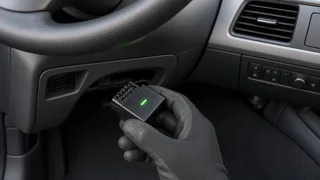
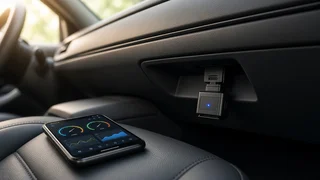
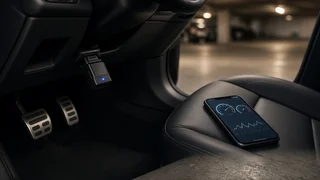
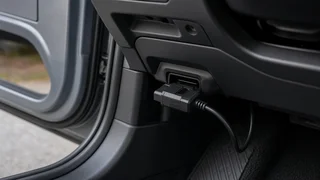
Kungfuren Bluetooth 4.0 OBD2 Adapter
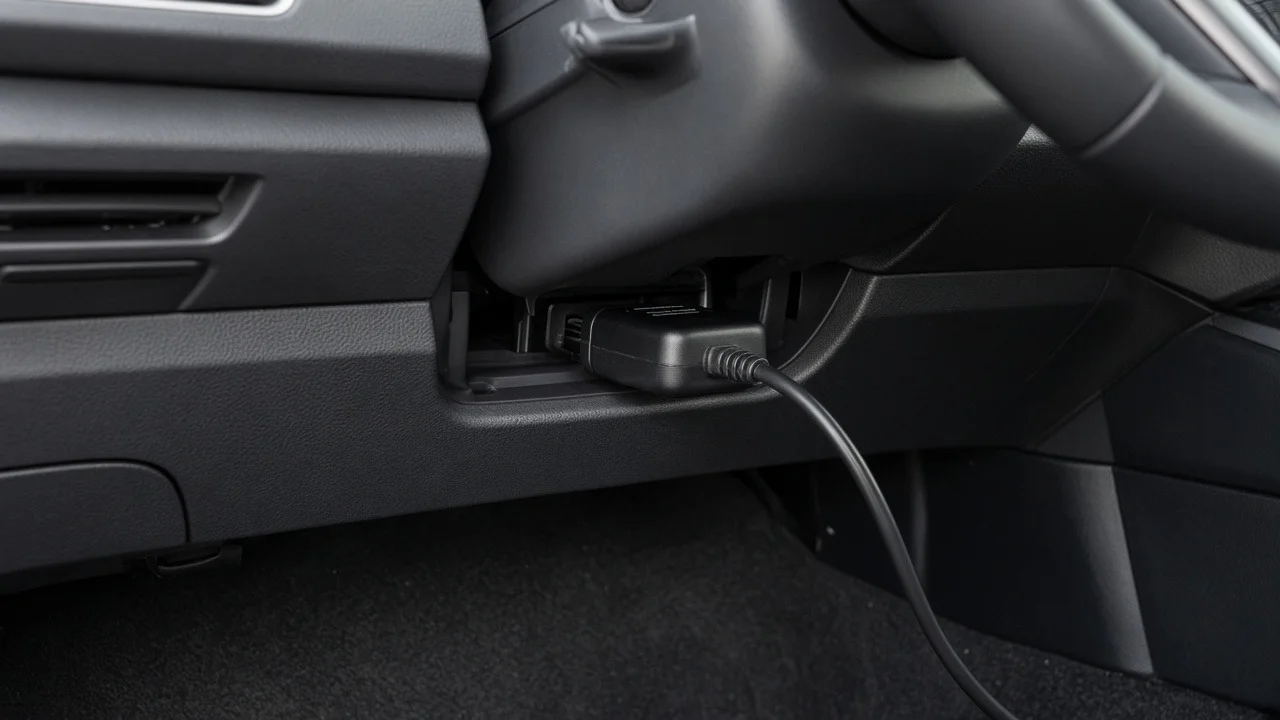
Choosing a Bluetooth 4.0 OBD2 adapter means matching the wireless link, mobile software, and vehicle network before purchase. The Kungfuren OBD2 Bluetooth 4.0 adapter is a compact interface for reading basic powertrain data, but usefulness depends on pairing and app selection. A buyer should confirm connector fit, protocol support, and whether the device suits Android, iOS, or laptop software. This guide explains what to evaluate so the adapter does not become an unused accessory.
The direct answer
The Kungfuren Bluetooth 4.0 OBD2 adapter is best treated as a generic ELM327-style interface for basic diagnostic communication. For most US-market 1996 and newer gasoline vehicles, it can connect through the standard 16-pin diagnostic port and expose generic powertrain information. A purchase makes sense when your phone or laptop software supports low-cost Bluetooth OBD2 tools and you accept that coverage often stops at basic engine and emissions data.
Compatibility is not universal. Bluetooth 4.0 can improve connection speed and reduce dropouts on newer phones, but the adapter still needs software that recognizes the interface profile. iOS users in particular should confirm the app works with Bluetooth 4.0, because some older or generic adapters pair only with Android. Before buying, verify the vehicle connector location, app language, and whether the seller describes broad OBD2 protocol support rather than a single vehicle line.