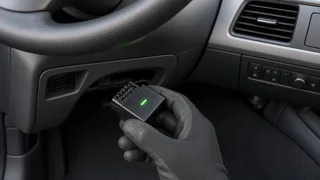
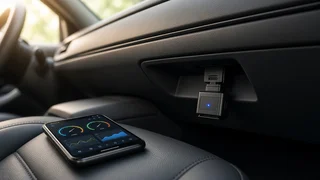
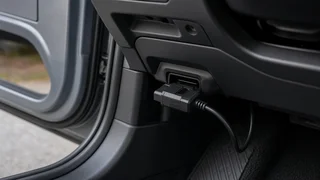
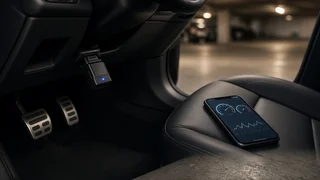
Kiwi Bluetooth OBD2 Adapter
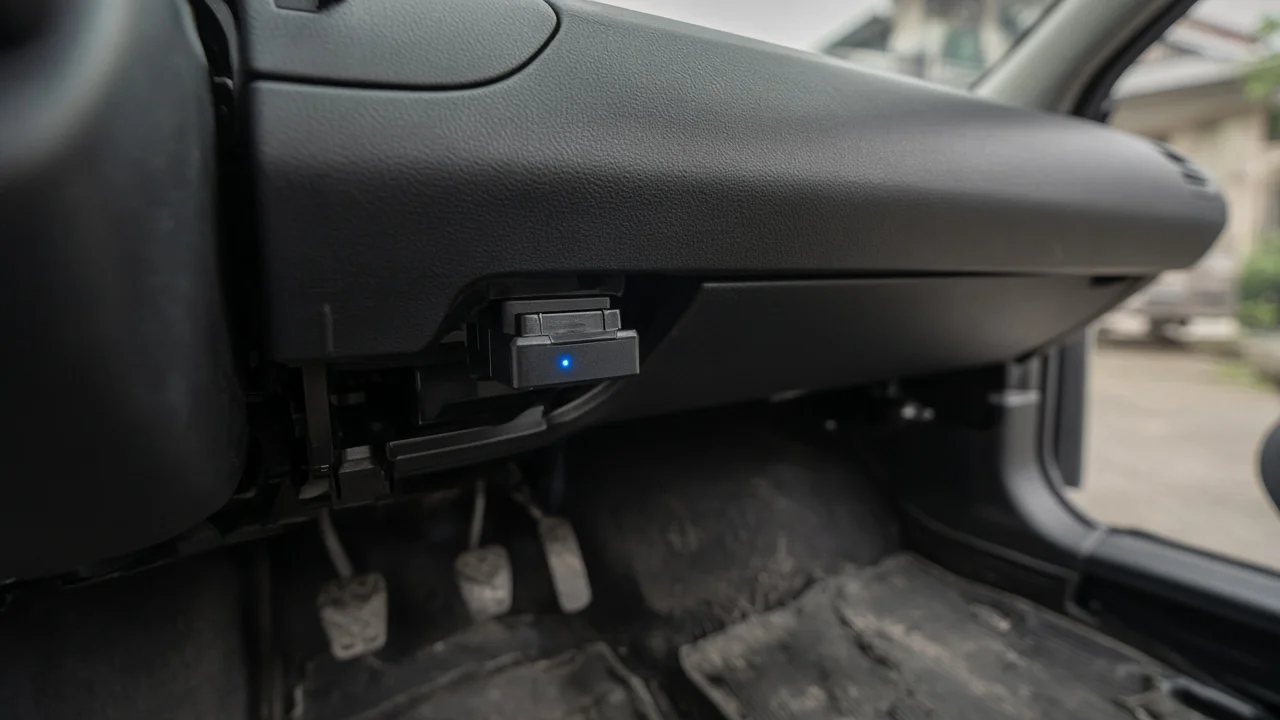
Choosing a Kiwi Bluetooth OBD2 adapter usually comes down to how well it pairs with your phone and the diagnostic app you already use. The right unit turns a smartphone into a live gauge display and fault-code reader, but the experience depends on the vehicle integration, the connection settings, and the software compatibility rather than the dongle alone. A buyer should look at the physical connector fit, the Bluetooth version, and whether the adapter stays awake or goes to sleep correctly when the ignition is off. This helps avoid pairing dropouts and wasted purchases.
The direct answer
The immediate answer is that a Kiwi Bluetooth OBD2 adapter can work as a convenient interface adapter for reading basic powertrain data and checking diagnostic trouble codes on many 1996-and-newer US-market vehicles. It plugs into the standard 16-pin connector under the dash and transmits data wirelessly to a phone or tablet. The material condition is the app ecosystem: Kiwi hardware is traditionally used with certain third-party diagnostic tools, so you should confirm that your preferred iOS or Android software still lists the Kiwi as a supported device before purchase.
A second condition involves the Bluetooth profile and connection behavior. Since it is a wireless OBD2 interface, the adapter must establish a stable serial link without requiring a manual PIN that the phone cannot store. Many connection problems are not caused by a failed circuit board but by a disagreement between the adapter and the vehicle gateway or by the phone treating the device as a generic audio accessory. For most owners, the practical choice is to buy from a seller with a clear return policy and test the device with the app in the driveway before relying on it for a longer trip.