JVC KD-R332 steering wheel controls
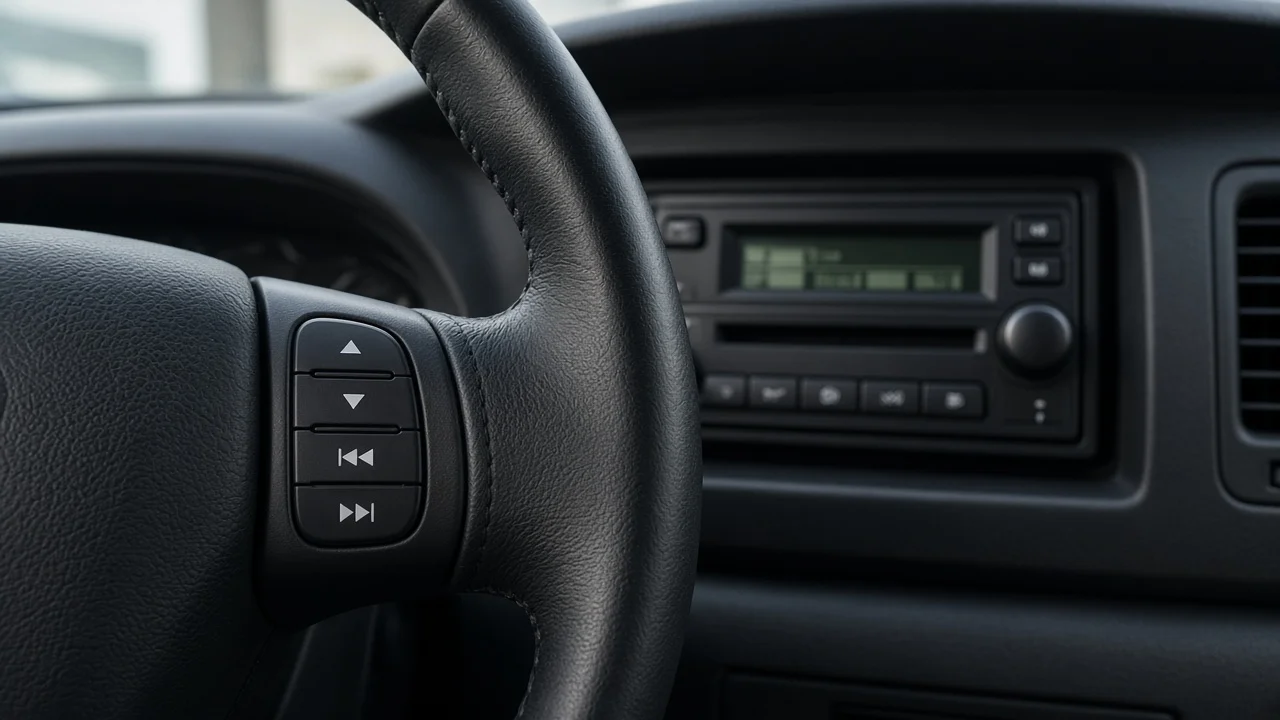
If you are looking into the JVC KD-R332 steering wheel controls, you are likely trying to keep the buttons on your steering column working after a radio swap. The factory controls send resistance-based commands through a vehicle-specific harness, and an aftermarket head unit cannot read those signals directly. Adding the correct steering wheel interface adapter bridges that gap. This overview explains what the JVC KD-R332 expects, how different connection settings function, why device pairing is not involved for wired remote signals, and what vehicle integration limitations you should consider before buying parts.
Essential answer
The JVC KD-R332 supports aftermarket steering wheel controls through its rear remote input lead, but it cannot interpret a factory steering wheel signal by itself. You need an interface adapter matched to your specific vehicle. The adapter converts the car’s resistance ladder or data bus command into a signal the JVC recognizes. Some vehicles use analog voltage changes; others transmit commands over a digital infotainment network. The adapter sits between the car wiring and the head unit remote wire, translating volume, track, mode, and call commands into the correct protocol for the stereo.
Connection settings matter because the JVC remote input expects a particular signal type from the adapter. Many universal steering wheel interface modules must be set to the correct manufacturer mode, often labeled as JVC or Kenwood group, during programming. Software compatibility can also require updating an adapter module before installation if the vehicle uses newer communication. Once programmed, the buttons usually preserve their original functions, though some factory buttons may remain unused rather than being reassignable. Confirm vehicle coverage through the adapter manufacturer’s guide before assuming full button support.