Jaguar OBD2 Scanners: How to Choose a Compatible Tool
Start with the intended use
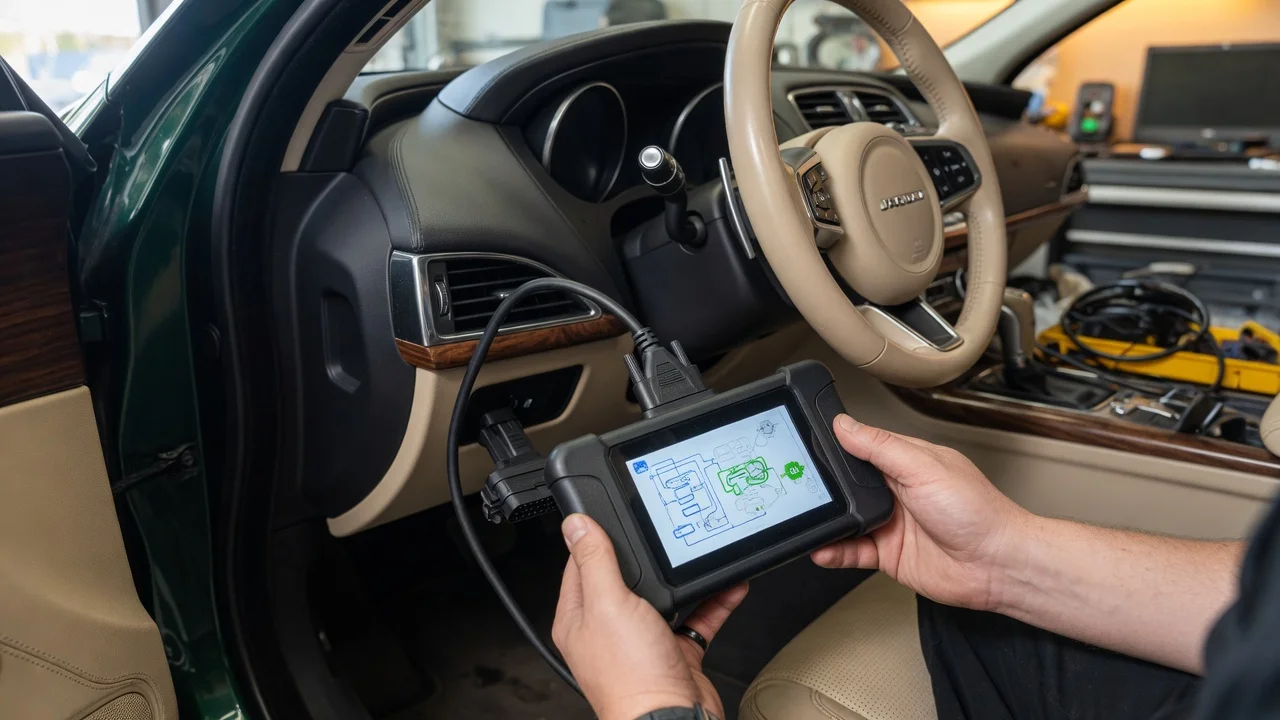
Before choosing a Jaguar OBD2 scanner, define where it will be used and what it should do. A basic tool can read and clear emissions-related engine faults on many OBD2-compliant Jaguar models. A more advanced scanner may need to reach model-specific systems such as transmission, ABS, air suspension, body modules or parking brake service routines.
The connection location also matters. In most Jaguar vehicles the OBD2 port is under the dashboard on the driver's side, but the exact position can vary by model year. Check the owner's manual before buying if you want a cable or adapter that is easy to reach while driving or working in the footwell.
Decide whether you need a standalone handheld scanner or a mobile adapter that connects to a phone or tablet. Handheld units are self-contained and can be easier to use in a garage. Mobile OBD2 adapters rely on an app for display and updates, which can make them more flexible but also dependent on phone compatibility.
Features that matter
The OBD2 standard covers a shared set of powertrain diagnostic data, but Jaguar uses additional electronic modules that a generic scanner may not recognize. Look for a tool that advertises enhanced Jaguar or Jaguar Land Rover coverage if you need anything beyond generic engine codes.
Live data is useful when diagnosing intermittent problems. A scanner that graphs OBD2 parameters can help you monitor values such as engine speed, coolant temperature, oxygen sensor readings and short-term fuel trim while the engine is running.
Service functions vary widely. Some tools can display fault codes and freeze frame data, while others add oil service reset, electronic parking brake release, battery registration or steering angle sensor procedures. Treat these capabilities as advertised features to verify for your exact Jaguar model and year rather than as a guarantee.
An OBD2 scanner is a diagnostic interface, not a measurement lab. A higher advertised protocol count or longer function list does not by itself prove that the scanner can access every Jaguar module. Confirm the supported model list and return policy before relying on a specific service routine.
Check compatibility
Jaguar models sold in North America after 1996 are generally OBD2 compliant for emissions diagnostics, but the supported protocols and data parameters can differ between older and newer generations. A scanner that works on a 2005 Jaguar may not offer full module access on a newer Ingenium engine model.
For a mobile adapter, check the supported phone operating system and Bluetooth or Wi-Fi version. Some OBD2 adapters are designed mainly for Android through Bluetooth, while others work with iOS or use a Wi-Fi connection. The app should also be available through the official app store for your device.
The physical connector is usually the standard 16-pin OBD2 port. If the vehicle is a non-OBD2 import or a special market model, the connector and protocol may not match. Confirm the plug shape, voltage and supported protocol family before purchase.
Power and wiring constraints can be overlooked. A Bluetooth adapter draws power from the OBD2 socket and may remain active after the engine is turned off in some vehicles. If you park the Jaguar for long periods, choose an adapter with a low-power standby mode or remove it when not in use after confirming the vehicle's actual behavior.
Build a shortlist
Use a concrete checklist for your Jaguar instead of comparing only brand names. Write down the model year, engine type and the exact service function you need, then check each scanner against that list.
Confirm advertised Jaguar or Jaguar Land Rover coverage for your model year and engine. Check whether the tool reads generic OBD2 codes only or includes enhanced manufacturer systems. Match the connection type to your phone, tablet or a standalone display. Verify that required service functions such as oil reset or electronic parking brake are listed for your vehicle. Check the app store availability and supported operating system for mobile adapters. Review the return policy in case a module or service routine is not accessible on your Jaguar.
A shortlist should separate essential requirements from optional features. If you mainly need to read an engine warning light, a generic OBD2 tool with solid Bluetooth app support may be enough. If you need dealer-level module diagnostics or special service routines, narrow the list to tools with documented Jaguar-specific coverage for your generation.
After purchase, test the scanner with the ignition on and the engine off first, then with the engine running. This simple check can reveal connection, protocol or app pairing issues before you need the tool during a real fault.