Infotainment Screen Black or Not Responding: Causes and Safe Checks
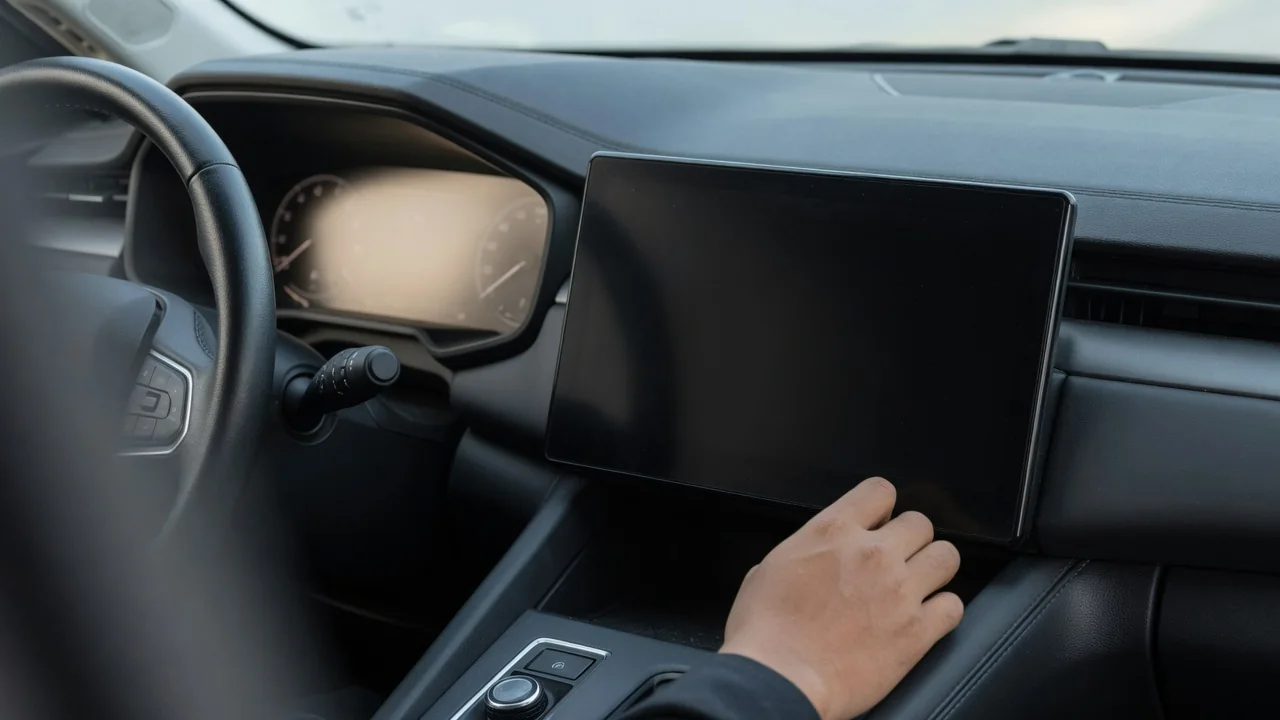
A dark or frozen center display is more than an annoyance, because modern vehicles route audio, navigation, camera views and settings through the head unit. Whether you are dealing with a VW infotainment system touch screen not working or a blank display in another make, the same logic applies: observe the symptom carefully, try only low-risk checks, and know when to hand the problem to a professional.
What a Black, Blank or Unresponsive Infotainment Screen Usually Looks Like
Not every screen failure is the same. A fully black display with no glow at all differs from one where the display backlight is faintly lit but no image appears. A frozen image that stays on a logo or map is another pattern, as is an infotainment reboot loop in which the system starts, shuts down and starts again. Finally, a touchscreen unresponsive to taps while showing a normal picture is its own category.
What still works while the screen is dark matters just as much. If audio keeps playing, steering wheel controls change the volume, the phone stays connected and climate functions respond, the head unit is probably running and the display side deserves attention. Timing adds clues too: a fault only at startup, after a short drive, in hot or cold weather, or right after a phone connects points in different directions. Before anyone tries a fix, note when it happens, how long it lasts and what else stops working.
Common Reasons an Infotainment Display Goes Dark
Causes fall into several broad groups, and none should be assumed from the symptom alone. Software can freeze or be left unstable by an interrupted software update. The power supply can sag, since a weak or discharged battery may cause odd electronic behavior, though low 12-volt battery voltage should be confirmed by testing rather than guessed. The display or touch panel itself can fail, connections between the screen and head unit can become unreliable, and the head unit's internal hardware can develop faults.
Some dark screens are not faults at all. Many systems stay blank for a few moments during start-up, and a display-off function or screen-saver mode in the display settings can leave the panel dark until it is touched or a button is pressed. Because of that overlap, a black screen caused by a setting looks identical to one caused by a failing component. The same symptom can come from very different sources, which is why a description of the problem is a starting point, not a diagnosis.
VW Infotainment Touch Screen Not Working: What Owners Should Check
On a Volkswagen, start by separating two situations. A screen that shows a clear image but ignores input directs attention toward the touch layer, its calibration or the software handling input, while a screen that stays black raises questions about power, the display or the head unit itself. Notice whether the touch failure covers the whole surface or one area, whether physical buttons and steering wheel controls still work, and whether a screen protector, moisture or dirt could be interfering with the panel.
Restart procedures, display settings and update methods differ between model years, so rely on the owner's manual for your specific vehicle or ask the dealer instead of following steps written for another model. A touch fault does not prove any particular design flaw, and a Volkswagen dealer can check whether updates or service actions apply to your VIN. If the problem keeps returning after normal restarts and a clean screen, dealer-level software checks or hardware diagnosis are the sensible next step.
Safe Checks a Driver Can Do Without Tools
Do any troubleshooting only while parked in a safe place, never while driving. Begin by switching the vehicle off, waiting briefly and starting it normally. Then check brightness and display settings in case the panel has been dimmed or turned off. Unplug phones and USB devices, and disable phone projection for a test, since a misbehaving connection can sometimes freeze the interface. A dedicated system restart is worth trying only if the owner's manual describes one for your vehicle; there is no universal button combination.
Resist going further unless you are trained to. Removing trim, unplugging the head unit, pulling fuses or disconnecting the battery can disturb other systems, erase settings and create new faults that complicate the original one. A more useful contribution is evidence: take photos or short videos showing the screen's behavior, including what the instrument cluster displays at the same time. Intermittent problems often refuse to appear in the workshop, and a recording gives the technician something concrete to work from.
Safety and Legal Concerns When the Screen Stops Working
A dark screen can remove more than entertainment. The rearview camera display usually appears on the same panel, as may parking sensor graphics, warning messages and vehicle settings menus. If the camera image is lost, reverse using mirrors and direct checks over your shoulder, move slowly, and arrange a repair promptly rather than adapting to the loss. Depending on where you live, a working camera may also matter for inspection or equipment rules, so check local requirements.
Hands-free calling and navigation may disappear along with the display. Do not replace them with a handheld phone, which is illegal in many places and distracting everywhere; set a route before moving or pull over to make a call. A blank screen alone is usually an inconvenience, but if it arrives with warning lights, a burning smell, smoke or other electrical faults, stop driving as soon as it is safe and get professional help, because those signs suggest a wider electrical problem.
When Professional Diagnosis Is Needed and What to Expect
Book a dealer or qualified auto electrical technician if the screen stays black after normal restarts, keeps rebooting, loses the camera image, appears alongside other electrical problems, or failed during an update. A professional may read stored module fault codes, compare the software level with what is current, test the power supply and grounds, check network communication between modules and assess the display hardware. Codes in infotainment and body modules are manufacturer-dependent, so their meaning must be checked against that vehicle's service information before anyone acts.
A stored code is evidence to interpret, not proof that a component has failed, so expect testing before any recommendation. Ask whether warranty coverage, open software updates or service campaigns apply to your VIN instead of assuming they do. Whether the outcome is reprogramming, repairing a connection or replacing a part depends entirely on what the diagnosis finds, and a shop should be able to explain the reasoning behind its conclusion before you approve the work.