How to Organize a Shared Trip Itinerary for Passengers
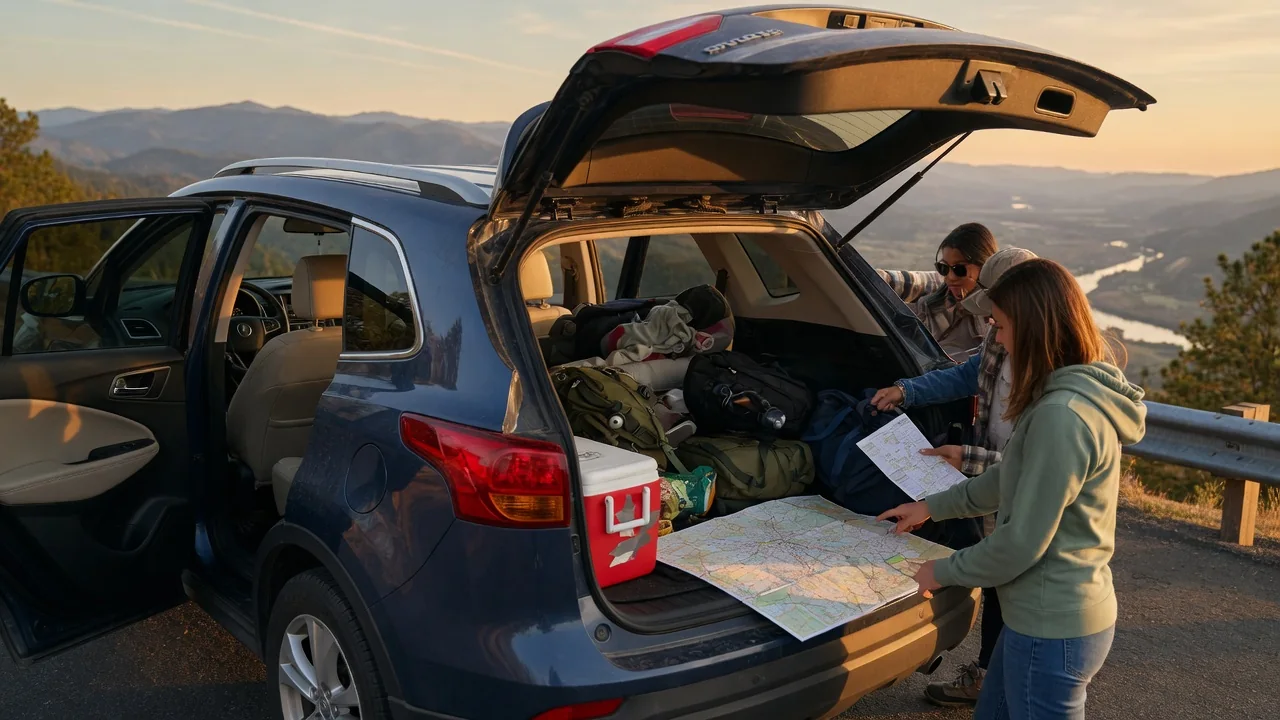
A shared trip itinerary keeps everyone in the car working from the same plan: where the vehicle will stop, how passengers reach the driver and each other, and what happens when the plan shifts. Without one, small misunderstandings about meeting points, timing, or responsibilities can turn into delays and frustration. This guide explains how to organize a car trip shared itinerary around three practical pieces: stops, a contact plan, and a process for changes, so passengers can follow along without constant questions.
Planning the Stops
Start with the fixed points of the trip. These usually include the departure location and time, the final destination, and any stops that cannot move, such as passenger pickups, overnight lodging, or scheduled appointments. Give each one a full address or a clear landmark description, and use an arrival window rather than an exact minute, because travel times on the road rarely match an estimate precisely. If passengers join or leave the trip at different points, note who gets on or off at each stop so nobody has to guess.
Next, add the functional stops: fuel or charging, rest breaks, meals, and restrooms. Driving range differs widely between vehicles and also changes with load, speed, terrain, and weather, so base refueling or charging stops on your own vehicle's typical range as shown by its trip computer and the guidance in its owner's manual, and keep a reserve margin instead of planning to arrive nearly empty. For electric vehicles, confirm that planned chargers use a connector your vehicle supports and note a backup option nearby. Plan regular breaks to manage driver fatigue, and if more than one licensed driver is sharing the trip, mark where driver changes will happen.
Make each stop entry useful to passengers, not just the driver. A simple format works well: the order of the stop, the location, its purpose, the planned duration, and a short note such as whether passengers should stay near the car or have time to walk around. Mark optional stops separately from required ones so everyone understands what can be skipped if the schedule tightens. Keeping the list in driving order lets anyone glance at it and see what comes next.
Building a Contact Plan
Decide who owns the itinerary. Choose one coordinator who updates the plan and answers questions, ideally a passenger rather than the driver, since the driver should stay focused on the road and follow local laws on phone use while driving. Collect a phone number for every traveler, and add at least one emergency contact who is not on the trip and knows the general route and timing.
Pick one primary channel, such as a group message thread or a shared document that everyone can open, plus a backup method like regular text messaging in case mobile data drops. Rural and mountainous routes can have coverage gaps, so save the itinerary for offline access, download offline maps where your navigation app allows it, and consider a printed copy in the glovebox. Share basic vehicle details with passengers, including the color, type, and license plate, so they can find the car quickly in a busy parking area. Keep roadside assistance and insurance contact numbers in the same place as the itinerary.
Agree in advance on what happens if someone gets separated, for example at a large rest area or attraction. Name a default meeting spot at each stop, set how long the group waits before calling, and decide who makes that call. Live location sharing can help, but treat it as opt-in, respect each passenger's privacy, and agree on when sharing will end.
Handling Changes
Changes are a normal part of road travel. Traffic, weather, road closures, a closed fuel station or charger, a passenger who feels unwell, or a dashboard warning can all disrupt the plan. Settle beforehand who can approve a change. A practical split is that the driver decides anything tied to safety or the vehicle, while the coordinator handles timing, meals, and other logistics.
When something changes, send one clear update through the primary channel that states what changed, the new stop or time, and what passengers need to do differently. Then update the shared itinerary itself so it remains the single source of truth, rather than leaving the correct information buried in a message thread. Mark replaced or cancelled entries clearly instead of deleting them without notice, and add the time of the update so people can tell whether they are reading the latest version. Avoid side conversations that create competing versions of the plan.
Build flexibility into the original itinerary so changes are easier to absorb. Add buffer time between fixed commitments, and identify alternate fuel, charging, or meal options along the route before departure. If a warning light appears, check the owner's manual for what that specific indicator means, because the appropriate response depends on the vehicle and the warning. Pausing at a safe location to assess the situation is usually better than pushing on simply to reach the next planned stop.
Practical Implications and Limits
An itinerary is a coordination tool, not a guarantee. Navigation estimates shift during the drive, and real conditions often differ from the plan, so passengers should treat listed times as targets. Match the level of detail to the trip: a short day outing may need only a few lines, while a multi-day trip with several pickups benefits from a fuller document. Overly detailed plans become tedious to maintain, and when updates lag, passengers stop trusting the document and fall back on asking questions.
A shared plan also depends on working devices, battery charge, and signal, so keep a charging cable in the car and make sure at least one copy works without a connection. No itinerary should override the driver's judgment about fatigue, road conditions, or the vehicle's condition. Vehicle-specific factors such as range, charging capability, seating, and cargo capacity come from the vehicle's own documentation, not from a general template. Finally, share only the personal information the trip actually needs, and turn off location sharing and remove shared access once the journey is over.