How to Keep Car Receipts and Service Records Organized
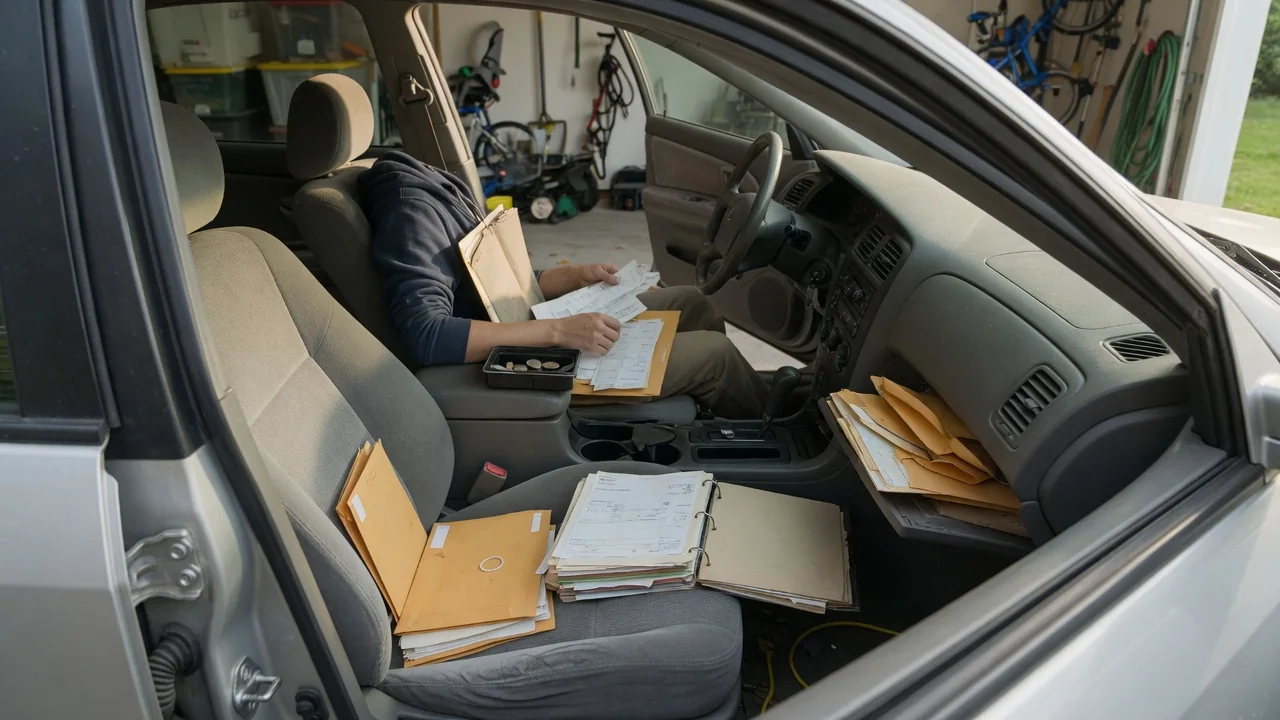
Knowing how to keep car receipts and service records organized pays off the moment a warranty question, a resale negotiation, or a recurring fault comes up. A workable system does not need special software or an elaborate filing cabinet. It needs a consistent place for every document, a few details captured the same way each time, and a copy that survives if the original is lost.
Digital and paper methods
A paper system works well when it lives in one place and follows one order. An accordion folder or a ring binder with dividers for oil changes, tires, brakes, inspections, and major repairs keeps invoices from drifting into the glovebox or a kitchen drawer. Filing each section by date, newest on top, means the most recent brake job or battery replacement is the first sheet you see. Thermal-printed receipts from parts stores and quick-lube shops fade with heat and time, so they deserve a photocopy or scan early.
A digital system trades the binder for a folder on a phone, computer, or cloud drive. Photographing or scanning each invoice the day it is issued and naming the file with the date, the vehicle, and the work performed makes it searchable later. A simple spreadsheet or a maintenance-tracking app can sit alongside the images as an index. Many dealers and some independent shops also email invoices or keep a customer portal, though how much history they retain and share varies by business, so your own copies remain the dependable source.
Key fields
A record is only useful if it answers the questions someone will ask later. The essentials are the date of service, the odometer reading, the name and location of the shop, and a plain description of the work. Mileage matters most, because maintenance schedules and warranty coverage are usually measured in both time and distance. If a shop leaves the odometer line blank or enters it incorrectly, writing the correct figure on the invoice the same day prevents a gap that is hard to explain years afterward.
Detail about parts and fluids adds real value. Noting the brand and part number of brake pads, the viscosity and specification of the engine oil, or the size and date code of new tires lets a future technician see exactly what is installed. The vehicle identification number on each invoice ties the paperwork to the right car in a multi-vehicle household. Keeping any parts or labor warranty terms printed on the receipt alongside the entry helps too, since those terms differ between shops, manufacturers, and component types.
Backup
A single copy is a single point of failure. Paper kept in the car can be lost to theft, a collision, or a water leak, and a phone holding the only photographs can break or be replaced without its files being transferred. Storing originals at home rather than in the glovebox, and keeping a scanned set in a cloud account, covers the most common losses. Only the documents needed on the road, such as registration and proof of insurance where required, need to travel with the vehicle.
A good backup is also one you can actually open. Saving scans in a common format such as PDF or JPEG, in a clearly named folder for each vehicle, avoids depending on one app that may be discontinued or locked behind a subscription. Exporting the data from a tracking app now and then gives you a portable copy. Checking a few files after each upload confirms that the images are legible, with the odometer reading and invoice number visible rather than cropped or blurred.
Everyday Use and Observations
The habit that makes the system work is filing at the moment of service. Photographing the invoice at the counter, before it gets folded into a pocket, takes seconds and captures the document at its most readable. Do-it-yourself work deserves the same treatment. Keeping the parts-store receipt for oil and a filter, and adding a note with the date and mileage, creates evidence that the maintenance was done, which matters because a self-performed job leaves no shop invoice behind.
Organized records earn their keep in ordinary situations. When a warning light returns, a past invoice shows whether the same fault code was read before and what was done about it, which helps a technician avoid repeating a diagnosis. A code and a replaced part on an old receipt are clues rather than proof of the current cause, but they narrow the search. Records also settle practical questions quickly, such as when the battery was last replaced, whether the tires are still within their warranty, or which coolant was used.
Limits and Next Steps
Even a tidy archive has limits. Records show what was billed, not necessarily the quality of the work, and an invoice with a vague line such as general service says little about what was inspected or replaced. Maintenance schedules, required fluid specifications, and the documentation a manufacturer expects for a warranty claim vary by make, model, and year, so the owner's manual and warranty booklet for the specific vehicle are the reference for what you need to be able to show.
Gaps in an existing history can often be narrowed. Shops that serviced the car may be able to reprint past invoices, and a dealer can sometimes look up work performed within its brand network, though access and retention differ. From there, a short session to gather loose paperwork, scan it, and build the index puts everything in one place. When the car is sold, handing over the binder or a shared folder gives the next owner the same continuity, and removing personal details such as addresses and payment information first is a sensible precaution.