How to Clean Sticky Drink Residue From a Car Console
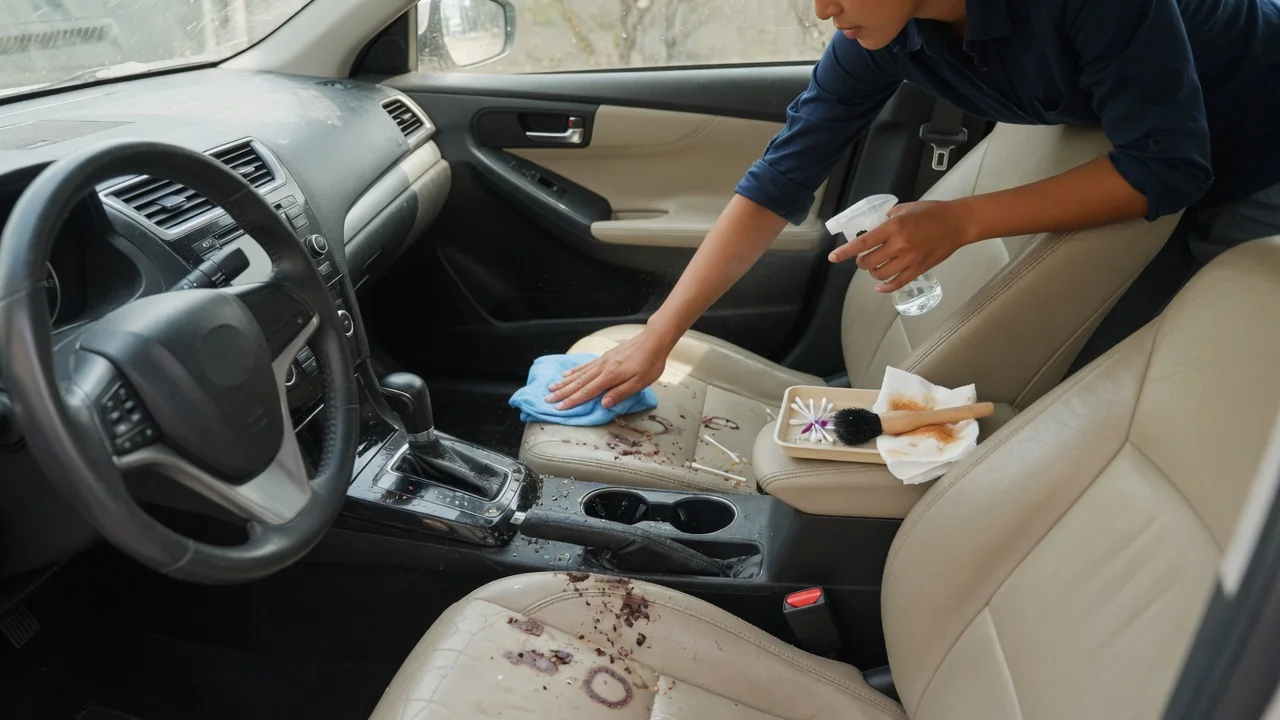
A spilled soda or sweetened coffee leaves more than a tacky film on the center console. Sugar seeps toward switches, charging ports, and shifter trim, where moisture and electronics meet. Knowing how to clean sticky drink residue from a car console means working with very little liquid, patient technique, and close attention to anything that carries current.
Power down
Before any cleaner touches the console, switch the vehicle fully off and give the accessory circuits time to go to sleep. Many cars keep the infotainment screen, USB ports, and wireless charging pad live for a short period after the ignition is off, or until a door is opened. Unplug phone cables, adapters, and anything sitting in the 12-volt socket. Moisture bridging energized contacts is what turns a simple cleanup into an electrical complaint, so a quiet, dark console is the right starting point.
What counts as powered down differs between vehicles. Push-button start models may linger in accessory mode, and some electric and hybrid cars wake up when a door opens or a key is nearby. Watch for backlit switches, a glowing charging indicator, or an illuminated shifter display, which suggest circuits are still active. The owner's manual explains how that particular model shuts down. Removing a phone from the charging pad also matters, since a spill trapped underneath it can hide until the device is lifted.
Lift residue
Dried soda, juice, and sweetened coffee are mostly sugar, which dissolves in water, so strong chemicals are rarely needed. The key is to dampen the cloth rather than the console. A microfiber towel wrung out until barely moist, pressed against the sticky patch for a short while, softens the film so it wipes away instead of smearing. Spraying directly onto the surface lets liquid run into button gaps, shifter surrounds, and seams where it can reach circuit boards and connectors below.
Cup holders usually collect the worst of it. Many have removable rubber liners or inserts that can be lifted out and washed separately in a sink, then dried fully before going back. For seams, textured plastic, and the edges around switches, a soft detailing brush or a lightly dampened cotton swab works residue loose without flooding the area. Piano-black trim and clear display lenses scratch easily, so use light pressure and a clean section of cloth, and avoid abrasive pads or harsh solvents that can dull finishes.
Dry controls
Once the stickiness is gone, removing remaining moisture is what protects the electronics. Blot with a dry microfiber cloth rather than rubbing, paying attention to the gaps around window switches, drive mode selectors, parking brake buttons, and climate controls. Dry swabs can wick dampness out of narrow channels. Leaving the doors or windows open in a dry, shaded place lets air do the rest. Heat guns and hair dryers held close are risky, because console plastics and adhesive-backed trim can warp or lift.
Wait until everything looks and feels dry before restoring power, and give ports extra time, since a USB socket or 12-volt outlet can hold moisture out of sight. When the vehicle is switched back on, press each control deliberately and check that it responds once and returns cleanly. Layouts vary: some consoles use sealed touch-sensitive panels that tolerate a damp wipe well, while others have individual mechanical switches with open gaps, where liquid has an easier path to the contacts underneath.
Everyday Use and Observations
The days after a cleanup reveal whether sugar reached anywhere it should not have. Buttons that feel slow to rebound, click unevenly, or stay slightly depressed often have residue drying inside the switch body, where a surface wipe cannot reach. A rotary dial that turns with a gritty or draggy feel points the same way. Stickiness that returns on a warm day usually means syrup remains in a seam or beneath a cup holder insert and is softening again with heat.
Electrical behavior deserves equal attention. A charging port that connects intermittently, a wireless pad that stops and restarts, or a control that triggers on its own may indicate contamination on contacts rather than a failed part. Simple habits reduce repeat spills: lidded cups, liners that lift out for rinsing, and a dry cloth kept in the door pocket so fresh liquid is blotted before it dries. Fresh spills are far easier to deal with than a film that has baked on through several hot afternoons.
Limits and Next Steps
Surface cleaning has a clear boundary. If a large amount of liquid poured into the shifter opening, disappeared under trim, or soaked a switch panel, wiping the visible plastic will not address what sits below. Console trim is typically held by hidden clips and often shares space with wiring connectors, control modules, and on some vehicles components related to the airbag system. Prying panels without model-specific guidance risks broken clips and damaged connectors, so deeper access is better left to a qualified technician or detailer.
Signs that warrant professional attention include a shifter that is hard to move or will not release, switches that stay stuck, controls acting without input, or a warning message that appears after the spill. A warning light or stored fault code is evidence to interpret alongside the spill history, not proof that a specific component has failed, and its meaning can depend on the manufacturer. Describing what was spilled, roughly how much, and where it went helps a shop inspect the right area first.