How to Choose a Check Engine Light Code Reader
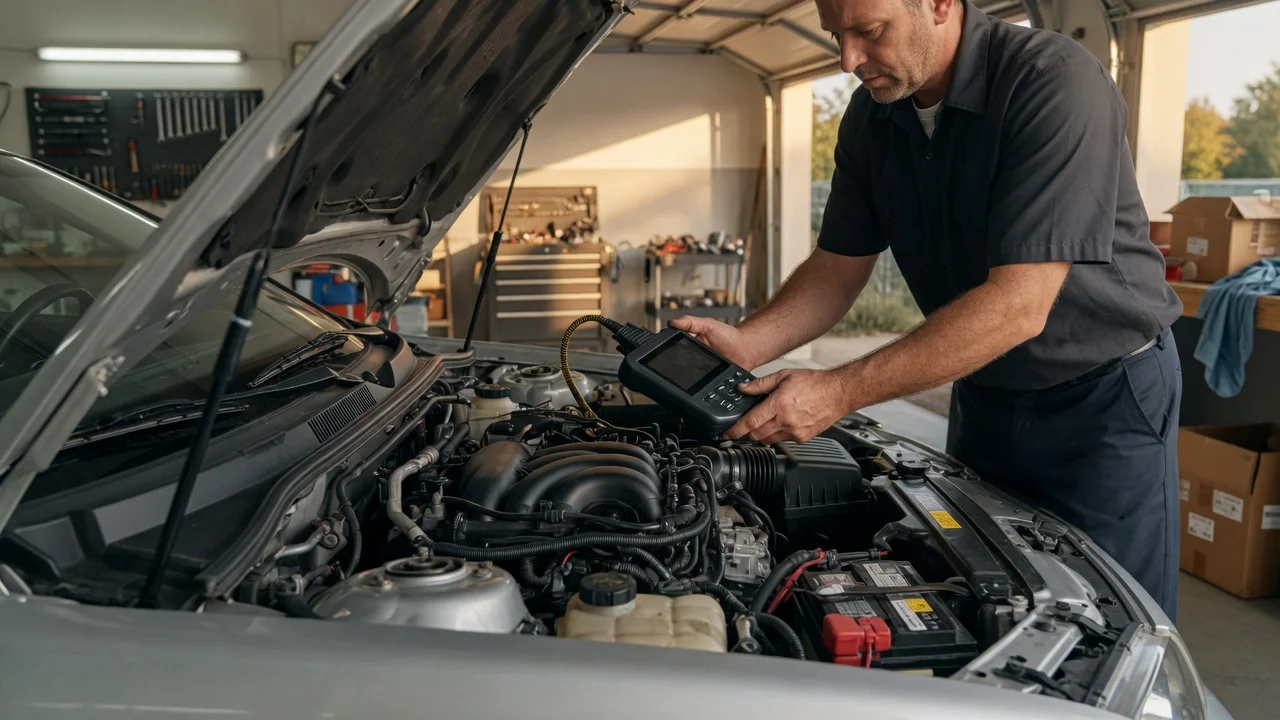
Start with the intended use
Decide whether you need a basic code reader or a more capable diagnostic tool. A basic check engine light reader can usually display and clear common powertrain codes, which helps when the light comes on but the problem is not immediately obvious. A code reader may show only the generic OBD-II code and its short definition, while a scan tool or diagnostic tablet may add live data, freeze frame information, emissions readiness status, VIN display, or model-specific code definitions.
The typical connection is the vehicle's OBD-II port, normally located under the driver-side dashboard. Most tools wake up when the ignition is turned on, but you should check the tool's instructions because some require the engine to be running before a scan. If you work in a dim garage, a bright display and a long enough cable are practical considerations. If you want help with a repair, a device that includes code definitions on screen is more useful than one that shows only a number.
Features that matter
Look at what a code reader can actually show and do. Reading and clearing codes is standard, but higher-level diagnostic tools can often provide live sensor data, such as engine speed, coolant temperature, short-term fuel trim, and oxygen sensor readings. Freeze frame data can capture the conditions present when a fault was stored, which may narrow down an intermittent issue.
Emissions readiness status matters if you are trying to pass a vehicle inspection. A useful diagnostic tool can show whether the emissions monitors have completed. Understand that readiness data reflects what the tool reads from the vehicle, not a promise that the vehicle will pass inspection. Battery and charging system information may be available on advanced tools, but a simple check engine light code reader may not provide starter, alternator, or battery testing.
Screen quality, button layout, and menu speed affect everyday use. Some tools show only numeric trouble codes, while others include multilingual definitions and repair tips. Updates can bring new vehicle coverage or code definitions, so check whether updates are available and how they are delivered. Memory functions can be helpful for saving a reading, but do not treat saved results as a permanent repair record.
Check compatibility
Most modern check engine light diagnostic tools work with OBD-II vehicles, but vehicle support is not identical across brands and models. Before choosing, verify that the tool supports your vehicle's make, model, and model year. Check whether the unit supports the protocols your vehicle uses, especially if you own an older OBD-II model or a vehicle sold outside your current region. A tool that is described as universal still depends on the vehicle's emissions system and the specific functions the manufacturer has implemented.
Only app-based diagnostic tools need a phone or tablet. If you decide to use a Bluetooth or Wi-Fi adapter, check that the companion app supports your phone or tablet's operating system and that the adapter is designed for that app. A standalone code reader is easier to keep in the car because it does not require a separate device or account. For any connected option, review what the app can do without a paid subscription and how data is handled.
Build a shortlist
Create a short checklist instead of trying to rank tools by a single feature. Include the following points:
Read and clear basic check engine light codes; show code definitions on screen or in an app. Read live data such as engine speed, coolant temperature, or fuel trim if needed for diagnosis. Display freeze frame and emissions readiness status if inspection readiness matters to you. Support your exact vehicle make, model, and year, not just the generic OBD-II standard. Use a standalone screen or an app compatible with your phone's operating system. Offer update coverage that is practical for you without adding unexpected subscription requirements. Fit how you plan to use it, whether it stays in the glovebox or becomes part of a larger repair routine.
If a basic code reader meets all of those needs, a feature-heavy scan tool may not be necessary. If you need live data or model-specific troubleshooting, choose a check engine light diagnostic tool with those functions explicitly listed for your vehicle. Compare only the features you have confirmed from the manufacturer's specification or an approved vehicle coverage list, and keep privacy and file handling requirements in mind if the tool uses an app.