How to Check Whether a Car App Command Worked
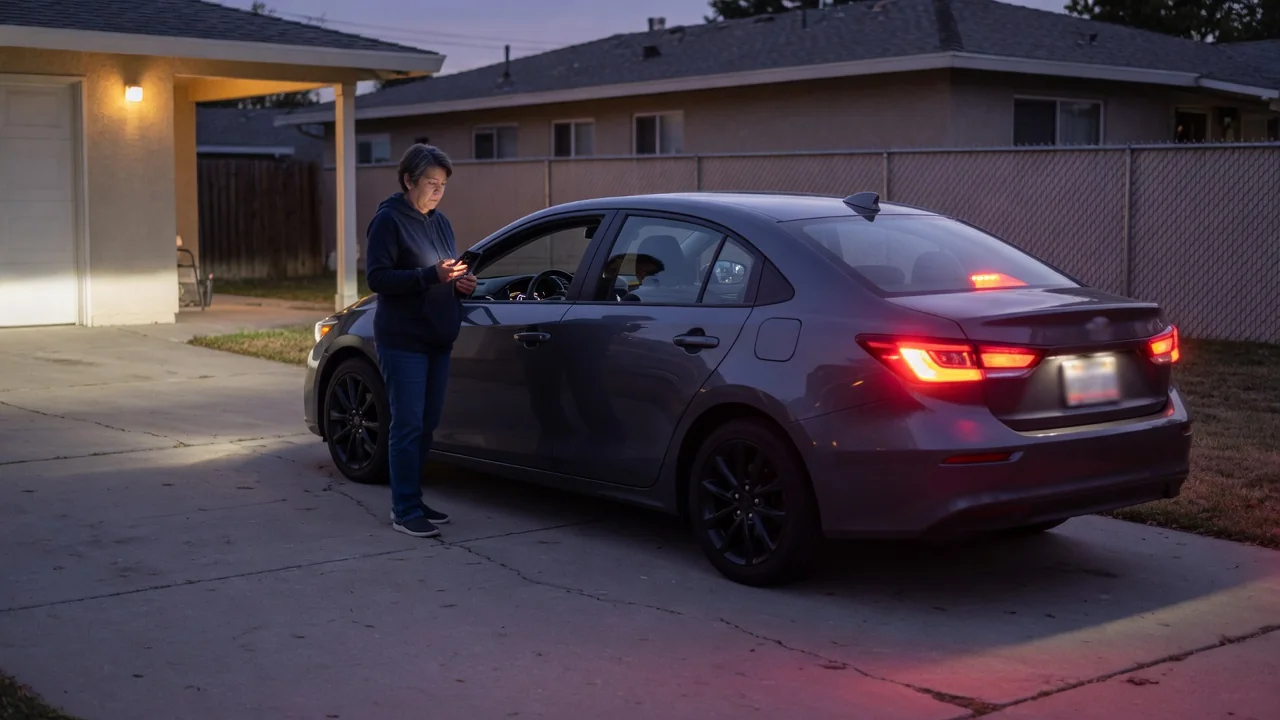
Tapping lock, start, or climate in a connected car app feels instant. In reality, the request travels from your phone to a server, then over a cellular link to the vehicle, and back again. Because of that chain, the app's first response is not always proof that anything happened. The most reliable way to check whether a car app command worked combines three things: a fresh status refresh, the vehicle's own indicators, and realistic expectations about network delay.
Status refresh
The first message an app shows after you tap a button usually describes the request, not the outcome. Wording such as "command sent" or "request received" typically means the provider's server accepted the instruction. A confirmation such as "doors locked" or "engine started" suggests the vehicle reported back. Apps differ in how clearly they separate these stages, so read the exact message. A green check mark does not always mean the car responded.
To verify a car remote app action, refresh the vehicle status after the command finishes. Depending on the app, a refresh may ask the car for a new status report, or it may simply reload the last data stored on the server. Look for a timestamp next to the status. If the time is just after your command, the reading is current. If it is older, you are looking at cached information that cannot confirm anything about the request you just made.
Focus on the specific item you changed. After a lock command, check the lock status and, where shown, the individual doors, trunk, and windows. After a remote start or climate request, look for an engine, cabin temperature, or climate indicator. If the refresh fails or shows the same old timestamp, avoid tapping the command repeatedly. Several identical requests in a short period can queue up or conflict with each other. They can also count against limits that some systems place on remote operations.
Vehicle display
The vehicle itself is the most direct evidence. Many cars acknowledge remote commands with an external signal, such as flashing exterior lights, a horn chirp, or folding mirrors. Which signals appear depends on the vehicle and its settings. If you can see or hear the car, these cues confirm that the command reached it, even when the app is still waiting for a response.
A physical check is useful, but it has a catch. If you carry the key fob or a phone set up as a digital key, a car with passive entry may unlock the moment you touch the handle, so a locked door can appear unlocked. To test locking reliably, look at the lock indicators inside, or try the handle while the key is out of range. For remote start, signs such as the engine running, airflow from the vents, or a warming cabin are better evidence than a status label.
Inside the car, the instrument cluster or infotainment screen may show related information the next time you sit down. Some systems display a message that the vehicle was started remotely, note a remote climate session, or keep a log of connected service events. Others show nothing. The owner's manual and the app's help section describe which confirmations a particular vehicle provides. Those sources are more reliable than assumptions based on another car.
Network delay
A remote command passes through several links: your phone's data connection, the automaker's or service provider's servers, a cellular network, and the telematics unit in the vehicle. The response then travels back along the same route. Each step can add delay, and a weak link anywhere slows the whole exchange. A command that takes a minute is not necessarily broken. It may simply be waiting on one part of the chain.
The vehicle's location matters. Parking garages, underground lots, metal structures, and areas with poor cellular coverage can slow or block communication with the car, even when your phone has a strong signal. In addition, many telematics units reduce activity while the vehicle is parked to protect the 12-volt battery. The car may need to be woken before it can act. After a car sits for a long time, or if its battery is weak, remote features may respond slowly or become unavailable.
Delay also makes app messages harder to interpret. A timeout or error can appear even though the vehicle carried out the command, because the confirmation was lost or arrived after the app stopped waiting. The reverse is also possible: an app may report that a request was delivered when the vehicle did not complete it. When a message seems inconsistent, wait a few minutes and refresh again before drawing conclusions or sending the command a second time.
Practical implications and limits
How carefully you verify should depend on what is at stake. Confirming that the car is locked overnight in a public place deserves more attention than confirming that the cabin is warming before a commute. For security-related commands, treat a current timestamp plus a matching status as the minimum. When the app cannot provide a fresh reading, a direct look or the key fob remains the fallback. If the app offers notifications or an activity history, turning them on gives you a record without manual checking.
Remote features also have built-in boundaries. Depending on how the manufacturer designed the system, a vehicle may refuse a command when conditions are not met. Examples include an open door, hood, or trunk, a low battery or fuel level, or a limit on consecutive remote starts. The app can only report what the car's sensors detect, so an item without a sensor, or one with a faulty sensor, will not be shown accurately. Expired connected service subscriptions and provider outages can disable commands entirely.
Treat the app as a convenient remote view rather than a guarantee. It works well for quick checks and routine tasks, but it depends on connectivity, server availability, and the vehicle's own reporting. When a command repeatedly fails or the status never updates, the cause is often coverage, the vehicle's power state, or account settings rather than a mechanical fault. The owner's manual or the provider's support channel is the place to confirm which one applies.