Foxwell Diagnostic Scanners: How to Choose a Model
Start with the intended use
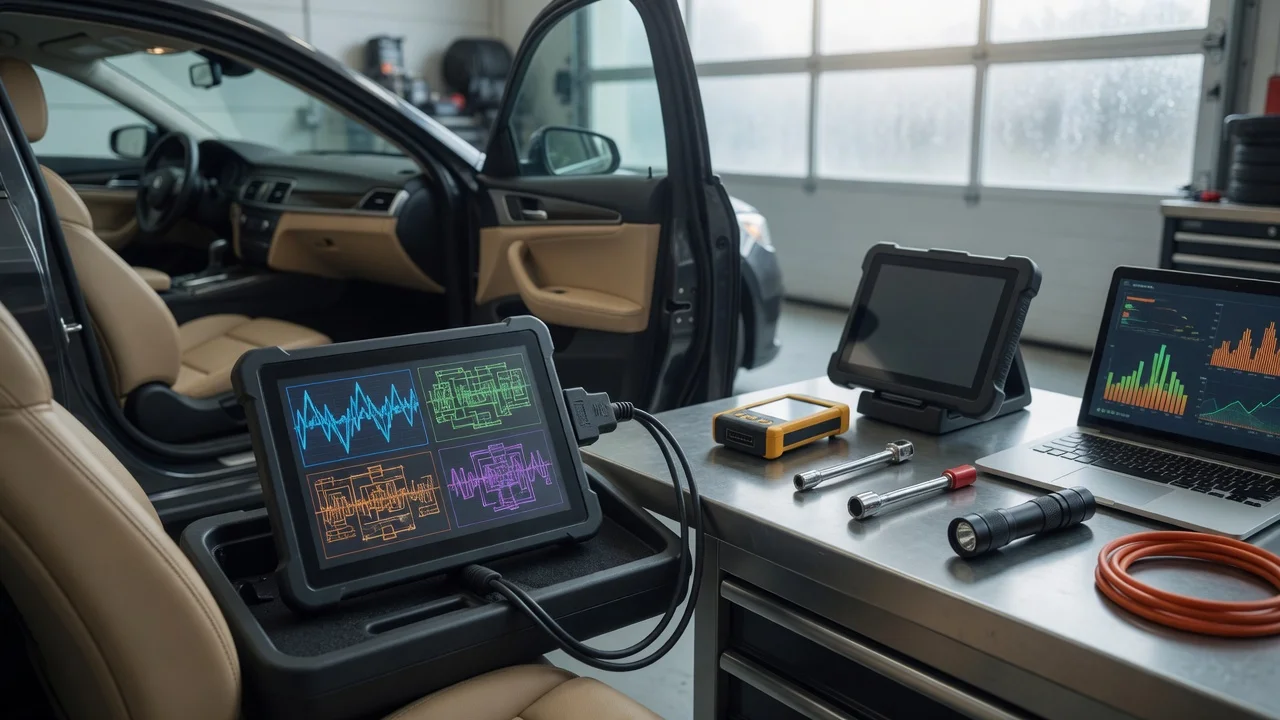
Before comparing models, define where and how the scanner will be used. A handheld unit for reading engine fault codes in a home garage has different requirements from a tablet-style tool used daily in a workshop for multiple vehicle brands. Decide whether the priority is basic code reading, live data, service resets, or deeper control-module functions such as calibration and adaptation.
Also consider the working environment. Check whether the display must remain readable in bright outdoor light, whether the tool will be used while standing at the vehicle or on a workbench, and whether a cable, Bluetooth connection, or Wi-Fi connection fits the workflow. Clear requirements help narrow the range before looking at detailed specifications.
Features that matter
Look at the functions the scanner can perform rather than treating any single specification as a quality score. Common capabilities include reading and clearing diagnostic trouble codes, viewing freeze-frame data, displaying live sensor values, and initiating service functions such as oil-reset or electronic parking-brake procedures. A model may support many systems, but the useful question is whether it covers the systems you plan to service.
Screen size, resolution, and input method affect everyday use. A small monochrome screen may be enough for quick fault-code checks, while guided diagnostics and graphing are easier on a larger color display. Battery type, update method, storage capacity, and included adapters can also influence whether a tool is practical for a particular job.
Check compatibility
Compatibility with the target vehicles matters more than a long brand list. Confirm support for the required regional models, model years, and protocols before purchase. Some scanners cover OBD2 functions broadly but provide manufacturer-specific functions only for selected brands or paid packages.
Check how updates are delivered and whether a subscription or one-time activation is required. For app-based tools, confirm compatible phone or tablet operating systems and connection types. For wired models, verify the included connector and cable. Power is usually supplied through the diagnostic port, but a device that depends on a mobile app may also be affected by the phone battery.
Build a shortlist
Use a concrete checklist instead of relying on general impressions. Include the following questions:
Which vehicle makes, model years, and systems must be supported? Which functions are required: code reading, live data, service resets, coding, or adaptation? Will the tool be used mainly in a workshop, at home, or on the road? Is a handheld unit, tablet unit, or app-based scanner easier to use for the job? How are software updates obtained, and what do they cost? Which connector, cable, wireless connection, or phone operating system is required?
Compare only the models that meet those requirements. Pay attention to mounting options, display visibility, and controls during a test fit, if possible. The best choice is the scanner that covers the necessary systems and fits the daily workflow, not the one with the longest feature list.