Ford OBD2 Scanners: How to Choose a Compatible Tool
Start with the intended use
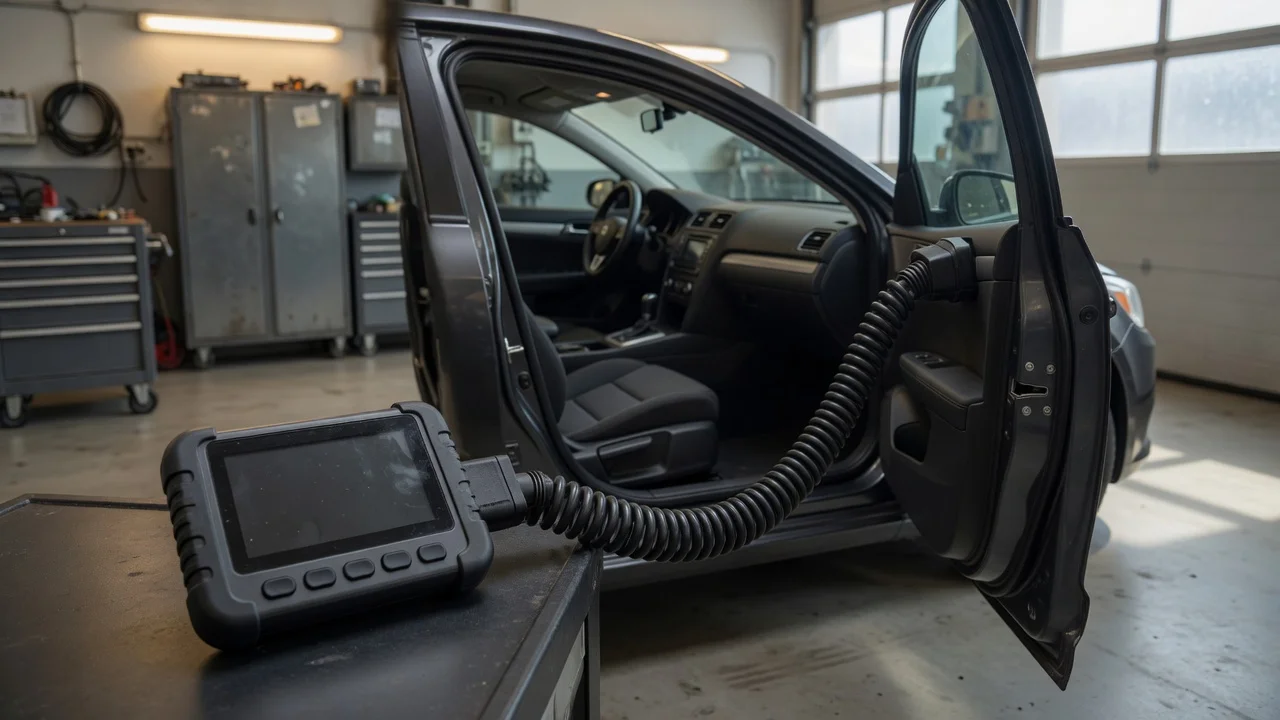
A Ford OBD2 scanner is only useful when it matches the job you want to do. First, identify the connection point in the vehicle and where the tool will send its data. Most modern Ford models use the standard 16-pin OBD2 port under the dashboard on the driver's side, while older vehicles may use a different diagnostic connector or protocol. Decide whether you need a handheld scanner with its own screen, a cable that connects to a laptop, or a wireless adapter that pairs with a phone app. Also consider where diagnostics will happen: a garage with a stable workbench has different needs than a parking space where a compact wireless tool is easier to handle.
The result you expect also matters. Reading and clearing basic fault codes is a simpler requirement than viewing live sensor data, running a module scan, performing a service reset or accessing manufacturer-specific systems. State the supported diagnostic result in the tool's product specification rather than assuming every Ford OBD2 scanner will perform all tasks.
Features that matter
Focus on stated capabilities, not a single quality score. Check whether the scanner supports the diagnostic protocols your Ford expects. Ford vehicles built for different markets and years can use different protocol families, so compatibility should be confirmed against the specific model, year and region instead of assuming that any generic OBD2 tool will work. Some gasoline and diesel Ford models also expose additional systems only through manufacturer-specific data, which may require a more capable tool than a basic code reader.
Consider how the scanner presents data. A simple tool may show only a trouble code and a short text description, while a more advanced interface can display live readings, freeze frame data, monitor status and module information. Wireless scanners typically depend on a phone or tablet for display and control, so the app becomes part of the tool's usable feature set. Check whether the app supports the diagnostic functions you need and whether it can export, save or share scan results without changing the meaning of the recorded data.
Check compatibility
Before choosing a Ford OBD2 scanner, verify the operating system and app requirements. Many wireless adapters require a companion app that has a minimum version of Android or iOS, while some Bluetooth adapters may not pair reliably with certain phone models or app configurations. USB and serial tools can depend on a driver and a compatible desktop operating system, so confirm that the required software is available for the device you plan to use.
Connector and power are equally important. The tool should fit the port without forcing it, and the scanner should be powered correctly for the selected connection type. Some adapters draw power through the vehicle diagnostic port, while others may require a separate supply. If the Ford vehicle uses a non-standard or model-specific diagnostic connector, a suitable adapter may be required before the scanner can be used. Confirm the supported vehicle list rather than relying on a broad compatibility claim.
Supported formats affect what you can do with the results. If you plan to keep records, check whether the scanner can export a useful diagnostic format that can be opened later. For a wireless tool, the app's ability to handle live data and stored reports may be more relevant than the adapter's physical features.
Build a shortlist
Identify the Ford model, year, engine type and market before comparing tools. Decide whether you need basic code reading or extra functions such as live data, module access and service resets. Choose a connection type: handheld, wired to a computer, or wireless to a phone or tablet. Confirm that any required app or driver is available for your operating system and device. Check the connector style and power source against the vehicle's diagnostic port. Compare stated vehicle coverage and supported diagnostic protocols for each shortlisted model.
A compatible Ford OBD2 scanner is one that fits the vehicle's connector, supports the protocols used by that Ford model and works with the device you already plan to use for display and control. Once those requirements are met, choose the tool that offers the diagnostic functions within your stated scope without treating extra advertised features as a replacement for verified compatibility.