Catalytic Converter Stolen: What to Do Next
Before you start
A stolen catalytic converter usually becomes obvious from a sudden, very loud exhaust sound when the engine starts. You do not need special camera or audio equipment to confirm the basic problem. A phone camera and the phone's video or voice-recording app are enough for a quick record.
Treat the vehicle as damaged. Do not drive it farther than needed to move it somewhere safe, and avoid running the engine for long while the exhaust system is open. The process described here is local and does not require a service or app account, but contacting insurance or a repair shop may be required later depending on your coverage and local rules.
Step-by-step instructions
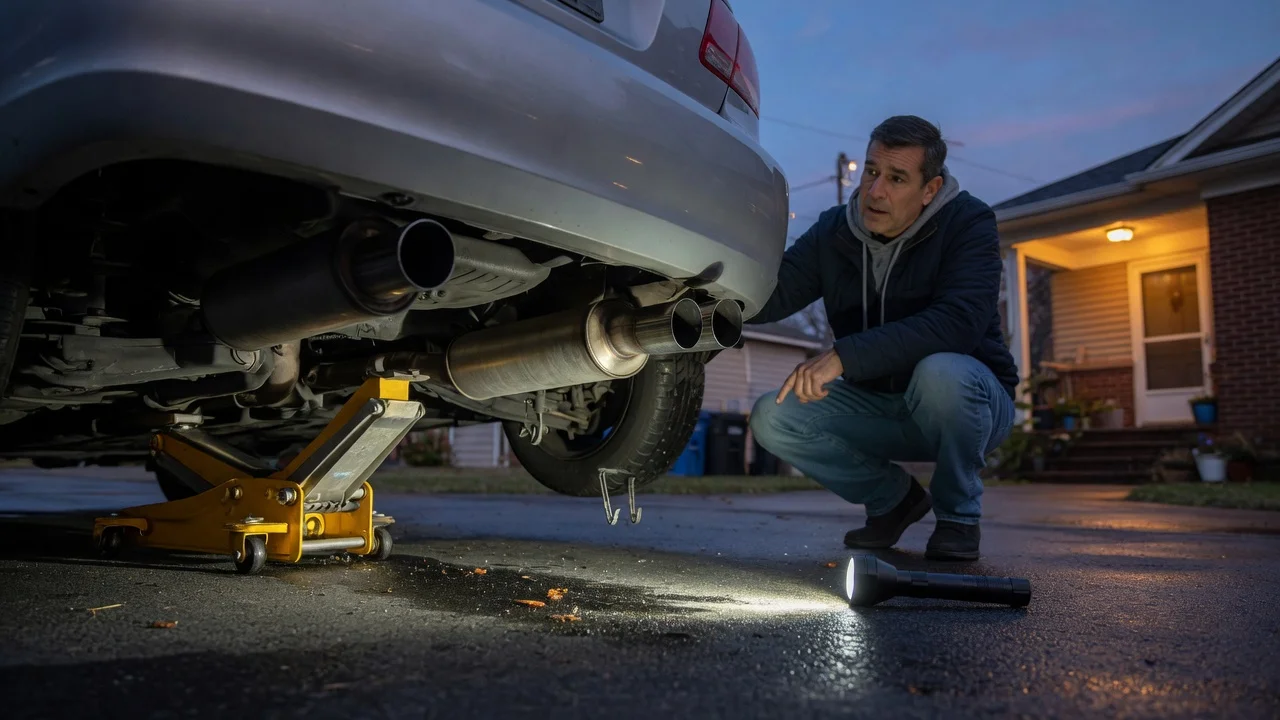
The goal is to document what you can see and hear without putting yourself under the vehicle. A clear recording can help you describe the damage to an insurer or shop, especially if the visible area is dark or cramped.
1) Start with the engine off and the vehicle parked on a level surface with the parking brake set. 2) Use a phone camera to record a slow walk around the vehicle, keeping the phone steady and holding each side for a few seconds. 3) From a safe distance, record the underside near the middle of the vehicle. Aim the camera where the exhaust runs, but do not crawl under the car. 4) If it is safe, start the engine briefly and record the sound from the side of the vehicle. Keep hands and clothing away from hot or moving parts. 5) Stop the engine, then play back the recording with the volume at a comfortable level to check that the sound is clear enough to understand. 6) Save the original video or audio file. Do not edit or overwrite the only copy before sharing it.
Check the output
A useful recording should show or explain the affected area well enough for a repair shop to understand the complaint. Check that the clip includes the side or underside where the converter would normally sit, and that spoken notes are not drowned out by the exhaust sound.
Phone video and audio files are normally compatible with common messaging and email apps, but very long 4K clips may be too large to send. If a file will not upload, make a shorter clip or reduce the recording resolution in the camera app.
Common problems and next steps
A recording of a damaged exhaust may sound distorted or clip on the phone microphone. Move the phone a few steps away from the exhaust outlet and try again, or use the rear camera with the microphone facing the underside if your phone records stereo sound.
Do not attempt to remove loose exhaust parts or hang from the vehicle to get a better angle. If the underside is too dark, use the camera flash or a flashlight while recording, but keep the light source away from fuel lines and do not touch hot surfaces soon after the engine has run.
The next practical step is usually to contact a repair shop or your insurance provider and describe the symptoms and visible damage. A short recording can support that call, but it does not replace an in-person inspection or an estimate for replacement parts.