Car Radio Display Not Working: Blank, Dim or Unresponsive Screen Causes
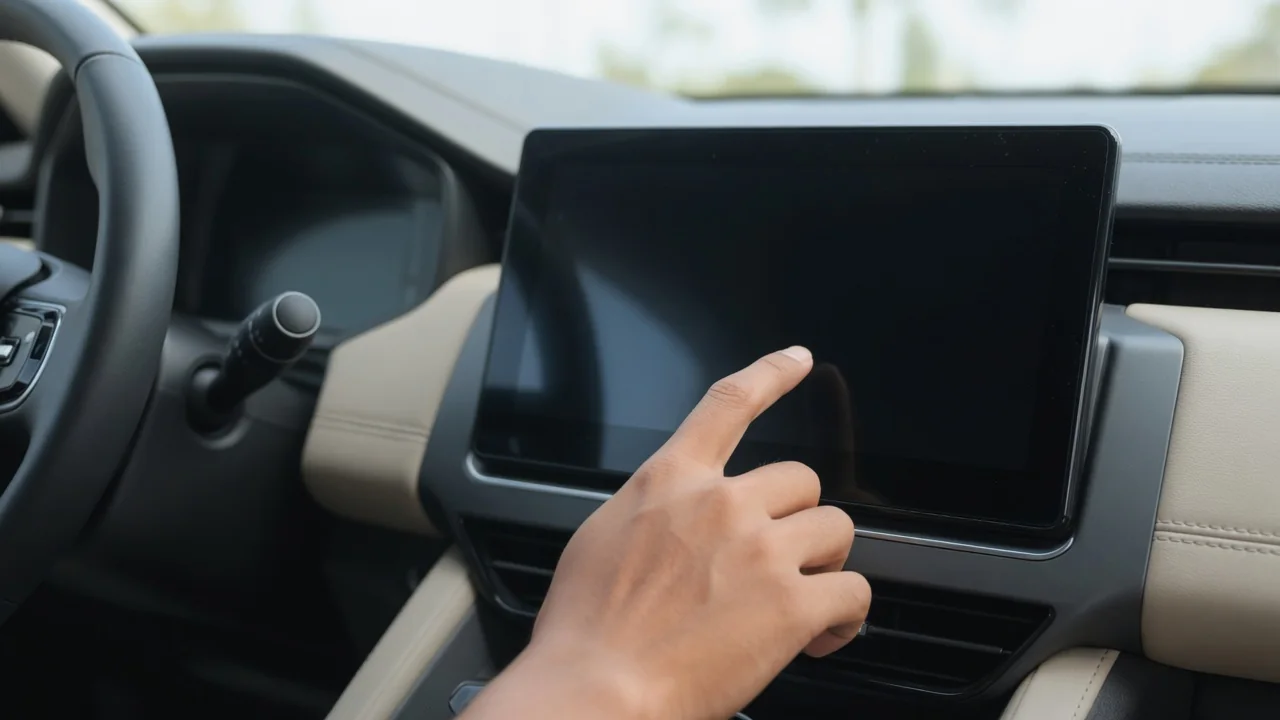
When a car radio display is not working, the cause may be as simple as a dimmer setting or as involved as a failed head unit. A blank, dim, flickering or unresponsive infotainment screen can look the same from the driver's seat while having very different origins. This guide explains how to sort the symptoms, what is safe to check, and when a technician should take over.
Why Your Car Radio Display Stops Working: Sorting Out the Symptom First
Start by describing exactly what the screen does. A fully blank display is a different problem from one that stays dark while audio still plays, and both differ from a dim or flickering picture, garbled or partial characters, or a screen that looks normal but ignores touch. Then check what else still works. If sound, steering wheel controls, the backup camera and the phone connection behave normally, the head unit is probably powered and running, which shifts attention toward the display itself rather than the power supply or software.
Timing matters as well. Note whether the fault appears only when the cabin is cold or hot, after a battery change or jump start, after a software update, or intermittently over bumps. These clues narrow the search but do not settle it, because a fuse, wiring, the display panel, an internal head unit fault or software can all produce the same symptom. Factory and aftermarket units also behave differently, so the owner's manual or the unit's documentation is the right reference for model-specific behavior.
Display Light Out or LED Segments Missing
When the car radio display light is not working, the screen may still be producing an image. Shining a flashlight at an angle across the glass sometimes reveals faint menus or station text, which points to a backlight problem rather than a total loss of picture. Before suspecting hardware, check the illumination controls. A dash dimmer turned all the way down, a day/night mode, or dimming linked to the headlights can make a healthy display look dead, especially in daylight.
Older units with an LED or LCD segment display fail differently. Missing or faded segments usually indicate a display or connection fault inside the unit, and that is not something to fix through the dash. Look at the rest of the instrument lighting too. If other dash lights went out at the same time, a shared lighting circuit is a reasonable suspect; if only the radio is affected, the unit itself is more likely. Internal backlight or display repairs belong with a qualified audio or electronics technician.
Touch Screen Not Responding on a Car Radio
A touch screen not working on a car radio can mean several things: no response at all, a response in the wrong place, phantom touches that select items on their own, or response in only some areas of the screen. Begin with non-invasive checks. Wipe the glass with a soft cloth suited to screens, remove any screen protector or trim edge pressing on the glass, and try again with a clean, dry bare finger.
It also helps to tell a frozen screen from a failed touch layer. If physical buttons and voice controls still work, the system is running and the touch input alone is suspect; if nothing responds, the software may have locked up. Some units offer touch calibration or reset options in the system menu, and these should be used only as the owner's manual describes. Cracked glass, heat damage or persistent ghost touches usually mean the display or digitizer needs professional evaluation.
Android Car Radio Touch Screen Problems on Aftermarket Units
Aftermarket Android head units vary widely between sellers and hardware versions, so the unit's own documentation and support channel come first. When an Android car radio touch screen is not working, software is worth considering before hardware. A frozen app, a recent firmware or app update, a full storage partition, or settings changed in developer or factory menus can all leave the screen sluggish or unresponsive. Restarting the unit through its menu, or cycling the vehicle's ignition, is a safe first step.
A factory reset can clear software faults, but it typically erases apps, accounts, saved stations and settings, so understand that loss before choosing it. Avoid flashing firmware from unverified sources; the wrong file for a given hardware version can leave the unit unusable. Installation matters too. Loose connectors or improper wiring adapters behind an aftermarket stereo can cause intermittent display or touch faults, particularly screen flicker over rough roads, and the original installer is well placed to check that work.
Blaupunkt and Other Brand-Specific Radio Display Faults
Searches about a Blaupunkt car radio display not working, or any other brand, run into the same obstacle: display behavior, reset methods and security features differ by brand, model and year. Identify the exact unit model before following any procedure. That information is usually in the owner's manual, in the radio's own menu screens, or in documentation supplied with the vehicle or by the installer. A procedure written for one model can be useless or harmful on another.
No brand has a single universal fault or fix. Dim displays, missing characters and blank screens appear across many makes, and the manufacturer's documentation or an authorized service provider is the reliable route to a model-specific answer. One feature deserves attention before any battery work: some units use an anti-theft radio code that may be required after power loss. Confirm you have the code, or know how to obtain it for your unit, before the battery is disconnected.
Safe Checks You Can Do Before Visiting a Shop
Several checks carry little risk. Look through the radio and display settings for brightness, a screen-off or display-off mode, and night dimming before assuming a hardware fault. Use the owner's manual to locate the radio or infotainment fuse, inspect it with the ignition off, and replace it only with the exact rating specified. Think about recent history as well: if the problem began after a battery replacement, jump start or low battery event, weak or unstable voltage may explain odd electronic behavior.
Stop short of prying the dash apart, probing live connectors or bypassing fuses. Trim clips break easily, a slipped probe can short a circuit, and a fuse exists to protect wiring from overheating. Some dashboards also house airbag-related components near the radio, which makes amateur disassembly a real hazard. If the fault comes and goes, record a short video showing it. Intermittent display problems are often hard to reproduce at a shop, and footage gives the technician something concrete.
When a Radio Display Needs Professional Diagnosis
Certain signs call for professional testing: a fuse that blows again, a burning smell, visible heat damage, liquid exposure, or display failures that arrive alongside other electrical faults. Factory infotainment systems may share data networks with other modules, so dealer or specialist tools may be needed to read stored faults or apply software updates. Any stored code is evidence to interpret alongside testing, not proof that a particular part has failed, and manufacturer-specific codes need vehicle-specific confirmation.
Depending on what testing shows, a technician may consider a software update, a connector or wiring repair, a display replacement or a head unit replacement; the symptom alone does not say which. If the backup camera or another safety display no longer works, the issue affects more than entertainment and should be checked promptly. Ask for a diagnosis before approving a repair, and check whether the vehicle warranty or installer coverage applies.