Car Infotainment System Updates: How They Work and How to Install Them
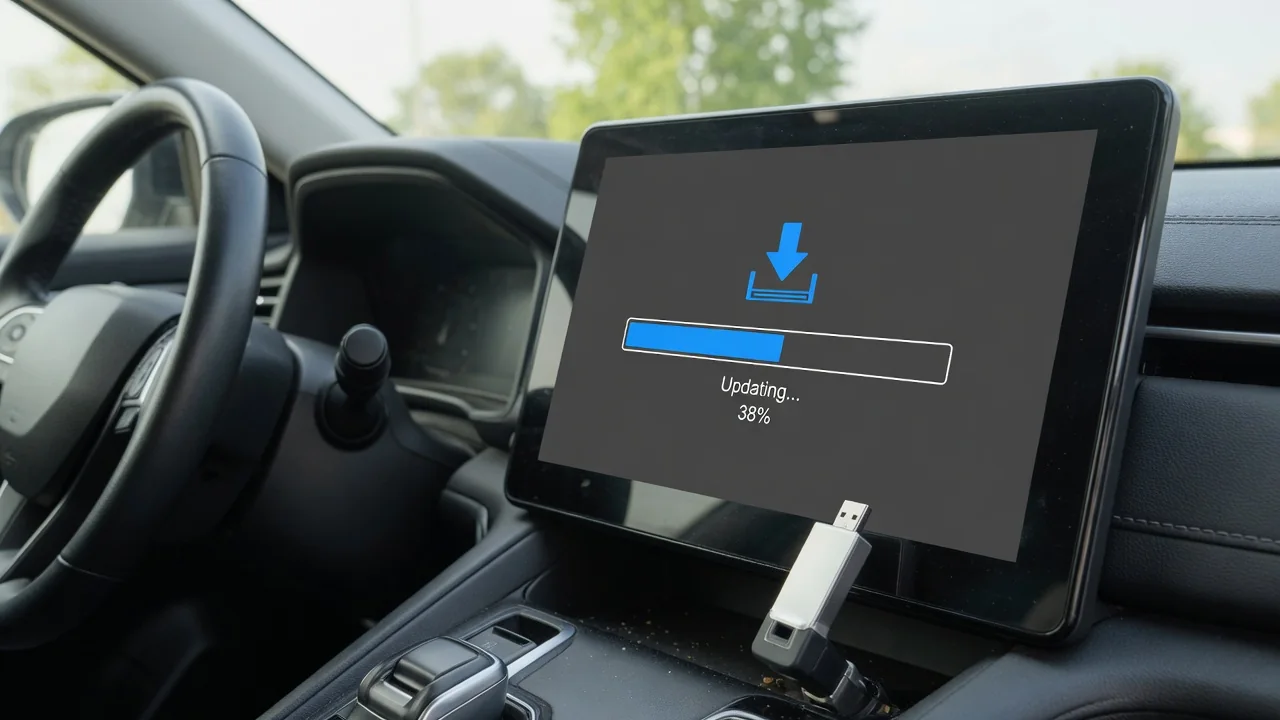
Learning how to update infotainment system software starts with knowing what your car actually supports. Whether you drive a Volkswagen, Chevrolet, Kia, Honda or Mercedes, the head unit firmware may arrive over the air, by USB drive or only through a dealer. This guide explains what an infotainment system update changes, how to prepare for one and where each brand's owners should look first.
What an Infotainment System Update Actually Changes
Three different things get called an update, and owners mix them up constantly. An infotainment software update changes the head unit firmware itself, the code that runs the touchscreen, Bluetooth, audio and menus. A navigation map update refreshes road data and points of interest for built-in navigation only. Phone-app updates, including those for Apple CarPlay and Android Auto, happen on your phone, not the car. That is why a new map package rarely cures touchscreen freezing.
What a firmware release brings varies, but typical changes include bug fixes, steadier smartphone projection, quicker response and small interface tweaks. None of that is guaranteed for a given vehicle, because availability depends on make, model, year, trim and hardware generation, and older units often stop receiving releases. Some updates also touch related modules, such as the telematics unit or instrument display, and those may be reserved for dealer equipment. The owner's manual and the official owner portal remain the reference for your car.
How to Update an Infotainment System: General Steps for Any Car
Start in the system settings menu, usually under a heading such as system information or about, and write down or photograph the current infotainment software version. Then identify the delivery method. An over-the-air update downloads through the car's own data connection or Wi-Fi, a USB software update is downloaded from the official manufacturer site and carried to the car, and a dealer software update is installed with factory tools. Entering your VIN on the manufacturer portal usually shows which route applies.
Park somewhere safe and well ventilated, since some installs need the engine running, and follow the manual on whether the ignition must stay on. Never start or monitor an update while driving. Once installation begins, do not cut power, pull the USB drive or switch the vehicle off, because an interrupted write can corrupt the unit. If the screen freezes or shows an error, wait, then follow the restart guidance in the manual. Repeated failed installs, a blank screen or lost functions afterward warrant a dealer visit.
Volkswagen Infotainment System Updates, Including the VW Atlas
To update a VW infotainment system, begin with official Volkswagen owner resources, where a VIN lookup shows whether your vehicle qualifies for new software. Next, open the settings on the screen and find the system information page, which lists the software and hardware versions. Volkswagen has used several infotainment generations over the years, and the update method differs between them, so a procedure that suits one model year may not apply to a car only slightly older or newer.
A VW Atlas infotainment system update deserves the same caution. The Atlas has carried different units across its production run, so check your exact model year and head unit rather than assuming every Atlas follows one process. A Volkswagen infotainment system update may be dealer-only, particularly when it is tied to a service campaign or other control modules. Ask the service advisor which version is installed, which version is available, what it addresses, how long it takes and whether warranty covers it.
Chevrolet and GMC Infotainment System Updates
A Chevrolet infotainment system update and a GMC infotainment system update follow the same broad pattern, because the brands share much of their electronics. Owners can check for software through their official owner account, watch for an update notification on the touchscreen or ask a dealer to check by VIN. Options differ by model year and infotainment generation: some vehicles support over-the-air delivery while others rely on dealer installation, so general advice is no substitute for a VIN-specific answer.
Where an OTA software update is supported, the screen typically asks you to accept the terms and then install now or schedule a time. Connectivity matters because the download needs a stable signal, and parking conditions matter because the vehicle generally cannot be driven during installation and needs adequate battery charge. If the notification keeps reappearing or the install fails, confirm the vehicle is parked with good reception and try once more. A prompt that still loops is worth reporting to the dealer.
Kia and Hyundai Infotainment and Navigation Updates
For a Kia infotainment system update or a Hyundai infotainment system update, each brand publishes official update information that is filtered by model, year and, in some cases, VIN. Newer vehicles may receive releases over the air, while many others use a USB process. At a high level, that means downloading the package from the official source, preparing a drive formatted as the instructions require, plugging it in with the vehicle parked and following the on-screen instructions until the system confirms completion.
Anyone asking how to update a Kia infotainment system should plan for time. Head unit firmware may be bundled with a navigation map update, and the combined package can be very large, so both the download and the installation may run long. Let it finish without interruption, even through restarts and progress bars that appear stalled. If your vehicle does not appear in the official update tool, or the install fails repeatedly with a freshly prepared drive, let the dealer handle it.
Subaru, Toyota, Nissan and Mazda Connect Update Basics
Knowing how to update a Subaru infotainment system begins with identifying the head unit, because the supported route, whether Wi-Fi, USB or dealer installation, depends on the generation. Confirm the exact model year before downloading anything, since a file meant for another unit may be rejected or cause trouble. For a Toyota infotainment system update or a Nissan infotainment system update, check the official owner resources or ask a dealer whether software or map updates are offered at all, as coverage varies by vehicle.
A Mazda Connect infotainment system update follows the same logic. Look up the current version in the settings menu, then confirm eligibility through official Mazda channels before attempting anything, because a Mazda infotainment system update may need to be carried out by the dealer. Across all four brands, use only official manufacturer sources. Third-party firmware files shared online may be mismatched to your region or hardware, can leave the unit unresponsive and may complicate a warranty claim if something goes wrong.
Honda (Including Civic) and Mercedes Infotainment Updates
For a Honda infotainment system update, check official Honda owner resources and the system settings menu, where supported vehicles show a system update option. Depending on model year and audio system type, delivery may be over the air, by USB or at the dealer, which is why the steps for how to update Honda infotainment system software are not universal. A Honda Civic infotainment system update is a good example, since different Civic generations and trims use different display audio units.
A Mercedes infotainment system update is generally checked through official Mercedes channels or a dealer, and supported cars may display an in-vehicle prompt asking you to accept and install new software. Whatever the brand, installation time varies widely, so avoid starting shortly before you need to drive. If Bluetooth pairing, Apple CarPlay or Android Auto misbehaves afterward, delete the phone from the car and the car from the phone, pair again, update the phone's own software and try another cable before booking a dealer visit.