Bluetooth car adapter siri
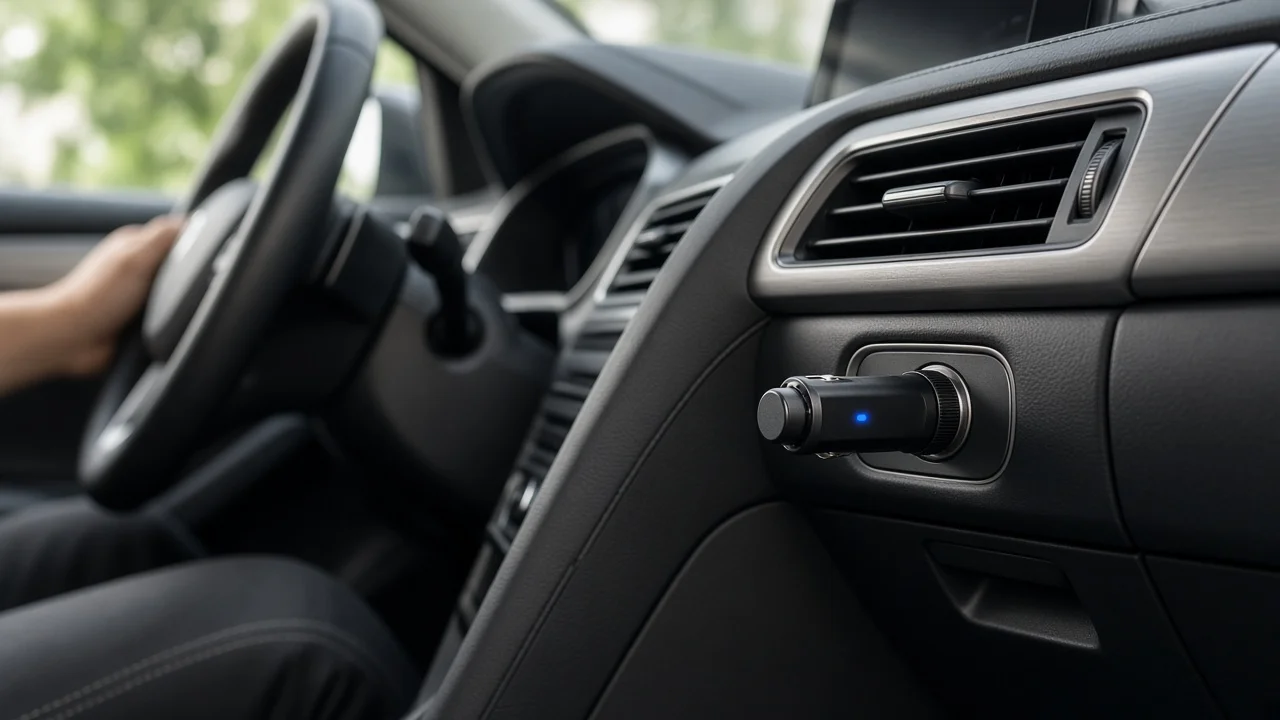
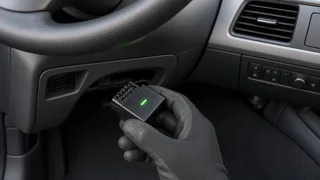
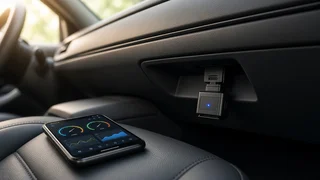
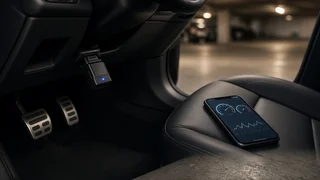
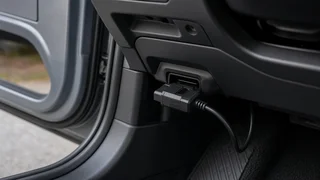
Choosing a Bluetooth car adapter for Siri depends on how the phone connects and how the vehicle receives audio. A hands-free interface adapter can add wireless calling, music streaming, and voice control to an older stereo without replacing the factory radio. The strongest setup uses a device that pairs reliably with the iPhone, routes microphone input clearly, and wakes Siri through a button or steering wheel interface. Before buying, check whether the car has an auxiliary input, USB port, or cassette slot, because that determines which adapter type will work without excessive noise or complicated connection settings.
The direct answer
The most direct solution is a Bluetooth receiver or hands-free kit that supports the HFP profile for calls and A2DP for media, paired with an auxiliary or FM connection to the car audio system. Siri access typically works through a multifunction button that invokes the phone’s voice assistant, but steering wheel controls from the factory radio generally will not activate Siri on a separate adapter unless the adapter includes its own remote or the vehicle integration supports that pathway. Software compatibility with the iPhone version matters more than the adapter’s brand name.
For vehicles without a clean auxiliary input, a Bluetooth FM transmitter can broadcast phone audio to an unused station, and some models include a control button that triggers Siri rather than only answering calls. A cassette adapter offers a more stable connection for stereos with a tape deck, but the wired link can pick up mechanical noise. Whatever the interface, the practical test is whether voice prompts from Siri are audible through the speakers and whether the microphone placed on the visor or dash can hear spoken commands over road noise.