Best OBD2 Scanners for Mercedes-Benz
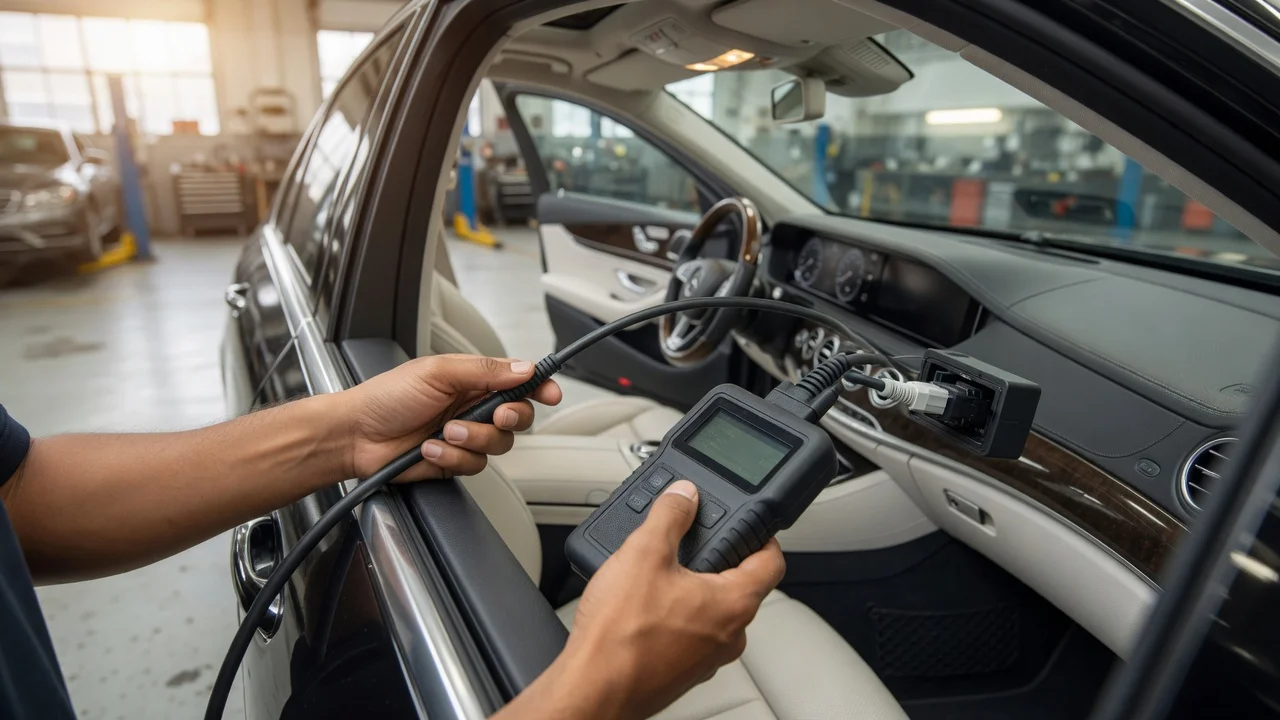
Start with the intended use
Start by defining where and how you will use the scanner. A basic code reader may be enough for checking an emissions-related fault at home, while deeper diagnostics on engine, transmission, ABS, airbags, or Mercedes-specific modules usually require a more capable tool. Note the diagnostic port location, whether you need to read live data during a road test, and whether the scanner will be used with a phone, tablet, or a dedicated screen.
Also consider the result you need. If the goal is to confirm a check-engine light, read codes, and clear simple faults, a compact OBD2 scanner may be sufficient. For troubleshooting Mercedes-Benz systems beyond generic powertrain codes, look for support for the manufacturer's enhanced diagnostics and the relevant model years.
Features that matter
OBD2 functionality is not a single quality score. A device may support generic powertrain codes while offering limited access to chassis, body, or proprietary modules. Check the protocol coverage, such as ISO 15765-4 and other OBD2 protocols, but remember that protocol support only means the scanner can communicate using that format; it does not automatically unlock every module in the vehicle.
Useful features include live data display, freeze frame information, readiness monitor status, and the ability to read and clear diagnostic trouble codes. Some tools also support bidirectional tests, service reset functions, or coding on supported vehicles. Treat these as advertised capabilities to verify for your specific Mercedes-Benz model rather than as guaranteed results.
Connection style also matters. Wireless adapters may pair with a phone app, while wired units can be simpler when there are no connectivity concerns. A scanner with a screen can be convenient for a quick check without another device, but its display and update process should fit how you plan to use it.
Check compatibility
Confirm compatibility with your operating system or app before choosing a wireless adapter. Some scanners work with Android and iOS apps, while others are designed for Windows software or a dedicated handheld interface. The connector, power delivery, and communication protocol can also affect whether a particular tool works on an older or newer Mercedes-Benz.
Pay attention to supported formats and systems, not just the vehicle brand. A tool may be marketed for Mercedes-Benz but still require a specific app, subscription tier, or software version for enhanced functions. Check whether the supported features cover the modules you actually need, including engine, transmission, ABS, airbag, steering, and body control modules.
Build a shortlist
Use a concrete checklist instead of relying on brand descriptions or popularity claims. A practical shortlist can be built by confirming the items below for each scanner and your Mercedes-Benz model year.
Fits your intended task: generic code reading, live data, or Mercedes-specific diagnostics; Supports the required connection: wired, Bluetooth, or Wi-Fi; Works with your phone, tablet, computer, or standalone display; Covers the relevant OBD2 protocols and the modules you need; Includes the functions you will actually use, such as freeze frame or readiness checks; Matches the model year and diagnostic systems of your Mercedes-Benz; Has a software or app option that is compatible with your operating system
After checking these requirements, narrow the list to tools that document the needed coverage for your vehicle. Avoid treating a single specification or marketing label as proof of complete Mercedes-Benz support. A short, verified list is easier to evaluate than a larger set of devices with unclear capabilities.
The best choice is the scanner that covers the systems you need and works reliably with your available phone, tablet, or computer. If your main use is basic fault-code checks, prioritize a clear workflow and repeatable live data. If you need access to brake, airbag, transmission, or body modules, confirm that enhanced diagnostics are listed for your model before relying on the tool.