Best OBD2 Scanners for Mercedes-Benz
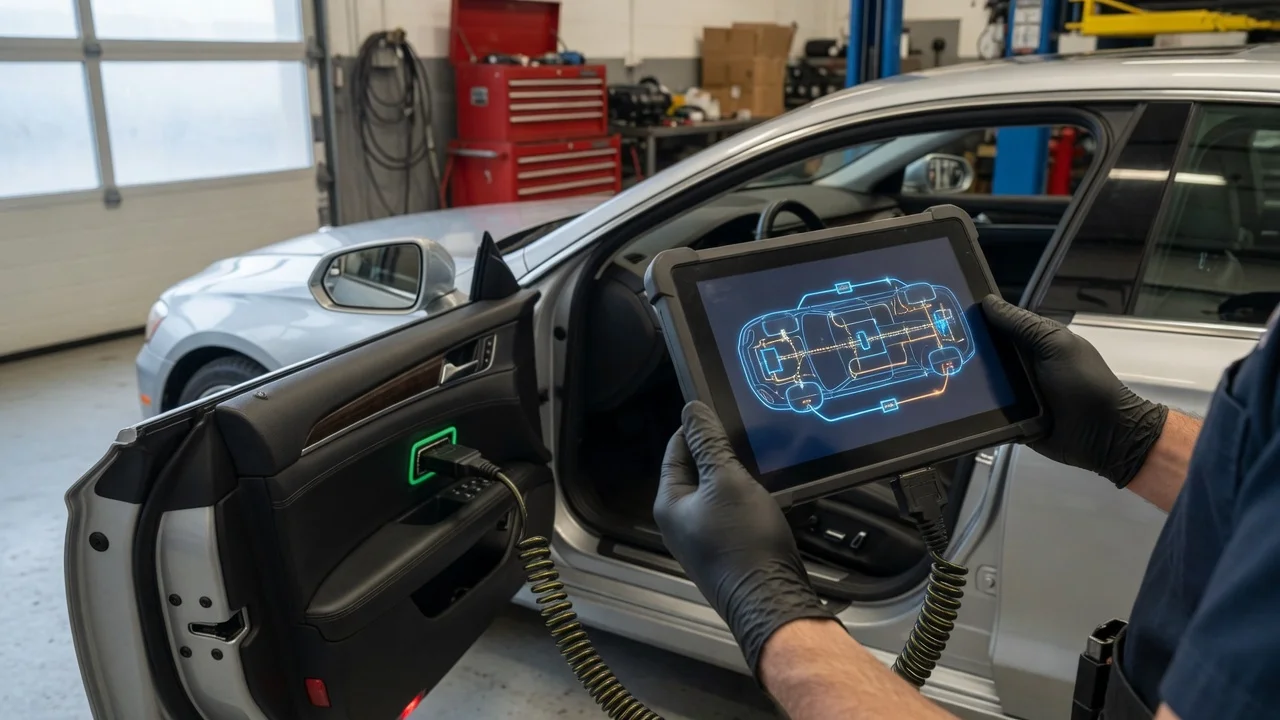
Start with the intended use
Match the scanner to the job. A simple code reader may be enough for checking an emissions-related fault before a trip, while deeper work on Mercedes-Benz modules usually requires a tool that can read manufacturer-specific systems. Decide first whether you want to check engine codes only, monitor live sensor data, reset service reminders, or run diagnostics across modules such as ABS, airbag, transmission and body electronics.
Also consider where the scanner will be used. A handheld unit with its own display works well away from a computer. A plug-in adapter paired with a phone or laptop can be more flexible, but depends on the app and supported operating system. In a workshop, a wired or wireless adapter that stays connected during a repair session may be more practical than a hobby-grade dongle.
Identify the vehicle connection before buying. Most modern models use the standard 16-pin OBD2 port, but the reader still needs software or profiles that understand Mercedes-Benz data. The physical plug alone does not guarantee access to every control unit.
Features that matter
Look separately at the hardware and the diagnostic coverage. Useful hardware features include a backlit display, durable cable, stable Bluetooth or Wi-Fi connection, and support for the voltage range found in the vehicle. For live data, check that the interface can refresh the parameters you actually need without excessive delay.
Diagnostic depth is the main limitation. Generic OBD2 functions cover federally required powertrain data, but many Mercedes-Benz functions are proprietary. A scanner described as Mercedes-compatible should state the specific systems or control units it can access. Do not treat a long feature list as proof of measured quality; verify each capability against the manufacturer documentation or app notes.
Check how the tool reads and clears codes. Basic readers show a code and its short definition. More advanced scanners add freeze-frame data, readiness monitor status, and the ability to graph or record selected values. For routine service, features such as oil reset, electronic parking brake service and battery registration may matter, but availability varies by model and year.
Check compatibility
Start with the Mercedes-Benz model year and region. OBD2 requirements changed over time, so a tool that works on a later model may not offer the same features on an older one. Confirm the supported diagnostic protocols and whether the tool needs a model-specific profile, license or update.
For phone and computer adapters, check the app or software requirements. Confirm supported operating systems, app versions, connection type, and whether the tool works offline or requires an account. Power is usually supplied by the OBD2 port, but a wireless adapter should also state its sleep or standby behavior so it does not drain the battery when left installed.
If you plan to use the scanner on more than one vehicle, verify that the license or app covers additional makes. Some tools charge separately for expanded manufacturer coverage, while others include it in the purchase. Read what is included before assuming a multi-brand scanner will access the same modules on every car.
Build a shortlist
Use a concrete checklist rather than relying on rankings or star ratings. Confirm the tool matches the vehicle, the required function and the way you plan to use it.
Fits the vehicle year, region, connector and supported protocols; Covers the required Mercedes-Benz modules and functions; Uses the connection and app you can support; Works with your phone, tablet or computer operating system; Includes the necessary licenses or updates for your vehicle; Meets your power and storage needs for portable or installed use
Start with the narrowest tool that meets those requirements. If you only need engine fault codes and readiness checks, a well-supported generic adapter may be enough. Choose a more specialized scanner when you need service resets, live data from additional modules or access to Mercedes-Benz systems that basic OBD2 readers do not expose.
Before buying, look for current documentation for your exact model and software version. Compatibility notes for one trim or year do not automatically apply to another. When a requirement is critical, confirm it from the seller or manufacturer for the specific vehicle you will diagnose.