Best OBD2 Scanners for Honda
Start with the intended use
Match the scanner to the job before comparing models. A basic use case is reading and clearing a check engine light in a home garage. A more advanced task is viewing live data such as coolant temperature, fuel trim or oxygen sensor readings while diagnosing an intermittent problem. Honda owners may also need access to manufacturer-specific systems such as ABS, airbag, transmission or maintenance reset functions, which are not available on every generic scan tool.
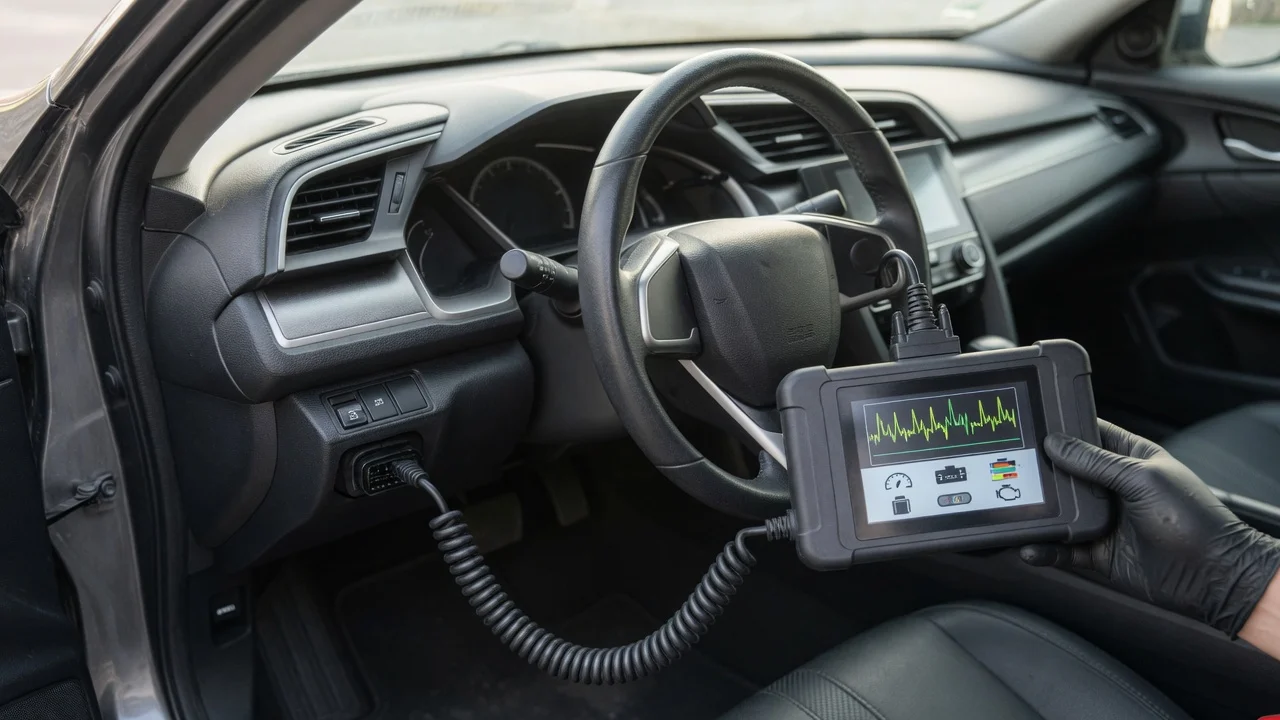
Consider where the tool will be used. A handheld scanner with a built-in display is easier to use next to the car without a phone. A plug-in adapter paired with a mobile app can be smaller and less expensive, but it depends on a compatible phone and a stable Bluetooth or Wi-Fi connection. For a quick check in a parking lot, a simple code reader may be enough; for repeated diagnosis at home, faster live data and broader system coverage are more useful.
Also identify the result you need. If you only want to know why the light is on before visiting a repair shop, look for a tool that reads standard powertrain codes clearly. If you plan to inspect readiness monitors before an emissions test, confirm that the tool can display monitor status. If you want to reset oil life or service reminders, check for that specific function on your Honda model.
Features that matter
Code coverage starts with OBD2 powertrain codes, which all compliant scanners should read. The difference comes with enhanced or manufacturer-specific coverage. A Honda-capable tool may read chassis and body codes, show live sensor data, or access systems such as ABS, SRS airbag and transmission. Do not assume that mentioning Honda support means every Honda system is exposed; the supported model list and functions vary by tool and software version.
Live data is useful for checking whether a reading changes under load or while warming up. Look for the ability to view multiple parameters at once and to pause or record data. Graphing can make a fluctuating value easier to interpret, but it is not necessary for simple code reading.
Special functions can save time on common Honda service tasks. These may include oil service reset, brake maintenance mode, electronic parking brake service, steering angle reset or idle relearn. Check the manufacturer's documented function list for your vehicle rather than treating a broad feature name as proof of support.
Display and controls affect daily use. A clear screen, simple menu structure and readable freeze frame data make a tool easier to work with in bright light. For phone-based adapters, evaluate the app separately from the hardware: the same adapter may work better with one app than another.
Check compatibility
Honda vehicles sold in the United States use the standard OBD2 connector and protocol. The physical plug is not the main compatibility risk; the more important question is whether the tool and software can access the systems you need on the specific model year. A cheap generic adapter can usually handle basic powertrain codes, while deeper Honda functions may require a tool with explicit model coverage.
For phone-based scanners, check the operating system and app requirements before purchase. Some adapters are designed primarily for Android or iOS, and some apps may have limited Bluetooth support or require a specific connection profile. Check whether the app works offline or requires an account, and whether additional vehicle packs or subscriptions are needed for advanced functions.
Power is usually supplied through the diagnostic port, so a separate battery is not required for most tools. Handheld units may still have an internal battery or memory backup for settings. If a device needs updating, confirm whether updates are free, how they are delivered and what connection is required.
Build a shortlist
Use a concrete requirements checklist instead of relying on broad rankings. Start with the vehicle year and model, then list the systems you plan to access. For example: read and clear engine codes, view freeze frame data, monitor readiness, read ABS codes and reset oil life. Mark each scanner only if the manufacturer documentation confirms that function for your Honda.
Works with your Honda model year and engine; Reads and clears standard OBD2 powertrain codes; Shows freeze frame data and emission monitor status; Supports any required Honda-specific systems, such as ABS or SRS; Fits your preferred form: handheld, phone adapter or PC-based tool; Works with your phone, tablet or computer and its operating system; Does not require an undisclosed subscription for the features you need
A shortlist does not need many options. Choose two or three tools that meet the same required functions, then compare screens, app usability, update policy and the clarity of the manufacturer's Honda coverage list. If a listing uses vague wording like “works with most vehicles,” verify the exact function you need before buying.
For simple engine-code tasks, a modest OBD2 scanner is often enough. Add cost and complexity only when the required Honda-specific function is confirmed. After purchase, test the tool with the ignition on and the engine off first, then with the engine running if the manual calls for it, and keep the app or device updated before relying on a diagnosis.