Best Bidirectional OBD2 Scanners: Choosing a Tool for Active Tests
Start with the intended use
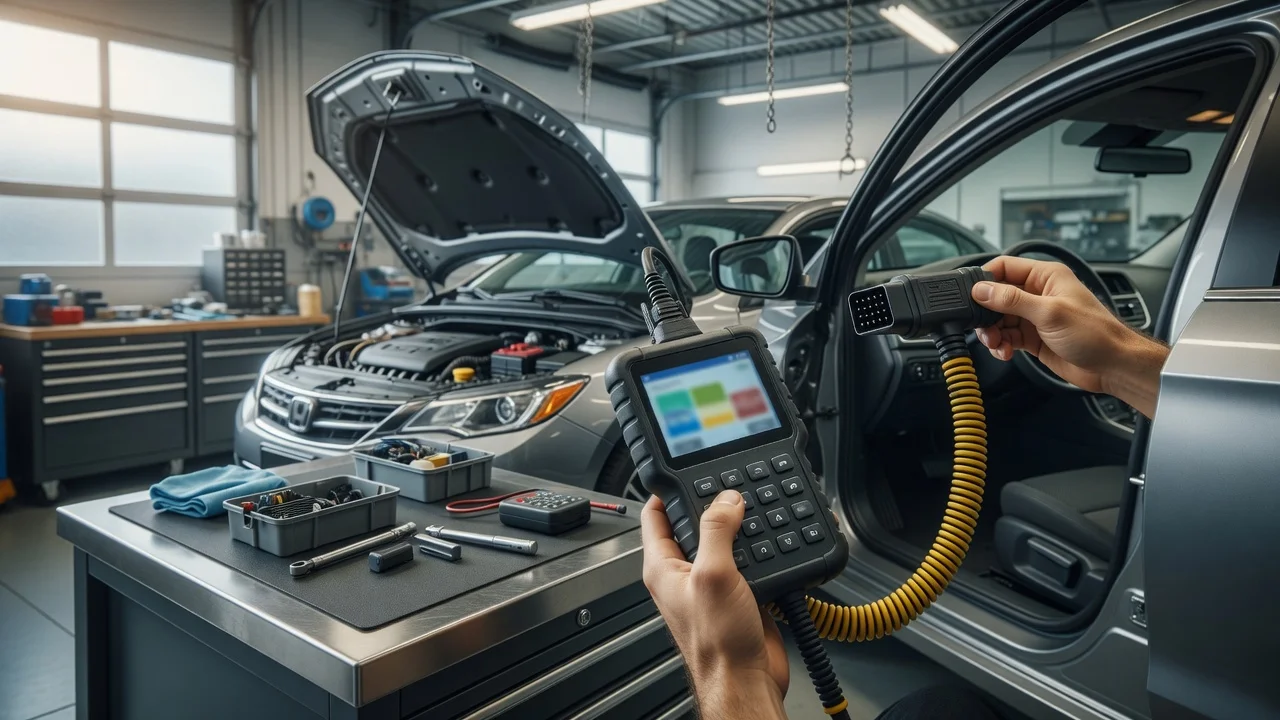
A bidirectional OBD2 scanner is useful when reading trouble codes is not enough. This type of tool can send test commands to a vehicle module and observe whether the expected response occurs. Common active tests include cycling cooling fans, commanding fuel pump operation, opening or closing EVAP system valves, cycling ABS solenoids and operating window or seat systems where supported. Before choosing a scanner, define the vehicle you will connect to, the diagnostic tasks you expect to perform and how you plan to run the software.
Consider the working environment as well. A handheld scan tool with a built-in display can be easier to use alongside the vehicle, while a Bluetooth adapter paired with a phone or tablet may be more portable and flexible but depends on the app interface and wireless connection. Some tools are designed primarily for reading and clearing codes, so confirm that active tests are available in the tool and the supported app before relying on the feature.
Features that matter
The main specification to check is whether the scanner supports bidirectional control, sometimes described as active tests, actuation tests or output control. A scanner can report extensive diagnostic data without offering command functions. Do not assume that a high part count for supported parameters means the tool can command actuators. Review the product description for direct wording about sending commands, not only receiving live data.
Vehicle communication protocols also matter. OBD2 scanners commonly support Controller Area Network or CAN, but some vehicles use additional manufacturer-specific protocols or gateway modules. A tool may support basic engine diagnostics while limiting access to ABS, airbag, transmission, body control or chassis modules. Bidirectional functions can vary significantly by vehicle make, model, year and module, so a general feature list should not be treated as a guarantee of identical coverage on every car.
Software and update policy are practical factors. Some tools rely on a companion app for active tests, firmware updates and diagnostic definitions. Others store functions on the device. A subscription requirement, paid software tier or one-time app purchase can affect long-term usefulness. Check whether the scanner works without an account or internet connection for basic functions, and whether additional vehicle lines require a separate license.
Check compatibility
Operating system and app support are part of the compatibility check. Bluetooth adapters may work with Android, iOS or both, but the feature set can differ by platform. A tool that app vendors describe as compatible with a phone still needs a supported app version and a device with the required Bluetooth version. Check the minimum operating system version and whether the app can be installed in your region.
Connector fit and power are usually straightforward for OBD2 vehicles, but packaging can interfere. A short adapter may fit better under a low dash panel, while a cable-style scanner can keep the phone or display in a more readable position. The vehicle connector normally provides power, but some functions require the engine off or in a specified ignition state. Follow the tool instructions for the ignition position and avoid commanding a running system when the test sequence is intended for key-on, engine-off conditions.
Protocol and module support should be checked against your vehicle. The most reliable approach is to use the manufacturer or app provider compatibility checker where one is offered. Enter the exact year, model, engine and market if requested. If bidirectional coverage for a specific module is not listed, treat that function as unverified rather than assuming it will work because other functions are supported.
Build a shortlist
Use a concrete checklist to narrow the options. Start with the required result: which systems should be actively tested, and on which vehicle? Then compare only the scanners that clearly state bidirectional support for the relevant modules. Include connection type, app platform, update policy and physical fit. A shortlist based on these requirements is more useful than a generic list of popular scan tools.
Required modules and active tests are listed for the vehicle; Connection type matches the intended phone, tablet or handheld use; Bluetooth version and operating system meet the app requirements; The scanner states bidirectional or active test support, not only code reading; Update or subscription terms are clear before purchase; The connector fits the vehicle OBD2 port without blocking normal use
After filtering by these requirements, compare the remaining tools for the details that affect daily use: app responsiveness, available documentation, update frequency and the effort needed to reach a specific test. Where possible, view a demonstration for your vehicle platform rather than relying on broad compatibility claims. This prevents choosing a scanner that offers many features but does not support the particular active test you need.