Backup Camera Not Working After Battery Replacement: Causes and Checks
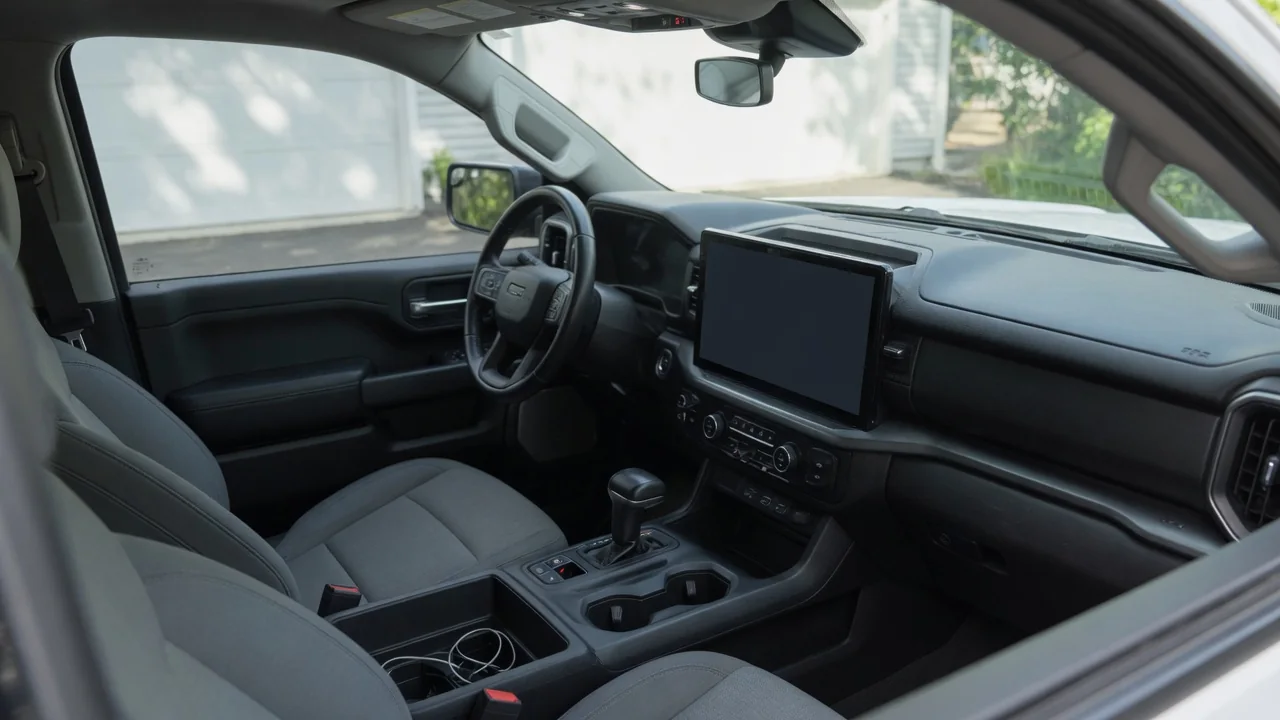
Finding your backup camera not working after a battery change is frustrating, especially when the rest of the vehicle seems fine. The rear view camera depends on the infotainment screen and several control modules, and any of them can misbehave after power is cut. Knowing the likely causes, the safe checks, and when to seek professional help makes the problem easier to sort out, whether you drive a Ram 1500, a Chrysler Pacifica, or another vehicle.
Why a Battery Change Can Knock Out the Backup Camera
Disconnecting the battery cuts power to the infotainment unit, the camera module, and the related control modules that share data with them. When power returns, each module has to boot and re-establish communication with the others. Most do so without trouble, but occasionally one starts in a confused state. A voltage dip or brief surge while the old battery came out and the new one went in can upset module software without causing permanent damage, leaving the system unable to display the rear image.
Common after-battery symptoms include a reverse camera black screen, a camera unavailable message, a frozen image, missing parking guidelines, or a camera that works only some of the time. These signs point toward a power-related disruption, yet they cannot confirm the exact cause on their own. Many cases clear up after a proper reset or a restart of the head unit, while others reveal a separate fault that the battery job merely exposed. The cause differs between vehicles, so expect some investigation.
Safe First Checks After Reconnecting the Battery
Start by confirming the new battery is properly seated and held down, with terminals tight, clean, and free of corrosion. A loose clamp can create intermittent voltage that keeps modules from waking reliably. Also verify that the battery suits the vehicle according to the owner's manual or the installer, since the wrong type or size may affect electrical behavior. Next, turn the ignition off, close every door, and wait several minutes so the modules can go to sleep before restarting.
After restarting, set the parking brake and shift into reverse to see whether the image returns. Then check whether the radio presets, clock, touchscreen, and other features also lost settings or stopped working. If the whole screen is unresponsive, the trouble likely sits with the infotainment system rather than the camera itself. Throughout this process, keep looking over your shoulder and using your mirrors, and never rely on a camera that you have not confirmed is working correctly.
Resetting or Restarting the Infotainment System
Because the camera image usually appears on the infotainment screen, a stuck head unit can look exactly like a failed camera. A soft restart often clears this kind of hang by forcing the system to reboot without disconnecting anything. The button combination or method depends on the make, model, and year, so follow the procedure in your owner's manual rather than guessing. Holding random buttons may change settings you did not intend to alter or trigger a full factory reset.
Once the screen restarts, look through the display and camera menus, since some options may have reset to defaults after the battery disconnect. Settings such as rear camera delay, guideline display, or dynamic gridlines can switch off and make the camera seem broken. If problems persist, a software update from a dealer or approved manufacturer channel may be relevant, though no single update should be assumed to fix a particular vehicle without confirmation from someone who can check its records.
Ram 1500 Backup Camera Problems After a Battery Swap
If you own a Ram 1500 and the backup camera stopped working after battery replacement, start with the same sequence described above. Verify the terminals, complete a full ignition-off cycle, test in reverse with the parking brake set, and try a soft restart of the screen. There is no basis for assuming a known defect on the truck, so treat the problem as a general power interruption until a proper check shows otherwise.
Equipment differs by Ram model year and trim, including screen size and camera features, so check the owner's manual for how the screen and camera should behave on your exact truck. Confirm whether navigation, audio, and phone connection came back after the battery swap before blaming the camera itself. If a reset does not restore the image, especially if warning messages appear on the dash or touchscreen, contact a dealer or qualified shop for testing.
Chrysler Pacifica Rear Camera Issues After Battery Replacement
Chrysler Pacifica owners with a backup camera not working after battery replacement can look at the same general causes: a module that did not reboot properly, settings lost during the disconnect, or a power interruption that upset the system. Configuration matters here, because the Pacifica may use more than one battery or come as a hybrid version. Check the owner's manual to confirm which battery was replaced and how that job should be handled.
Avoid relying on online claims about fault rates or specific part numbers. Instead, use the official recall lookup tools with your vehicle identification number and ask the dealer for vehicle-specific information. Before a service visit, write down when the screen goes blank, whether it happens on every shift into reverse, any messages or warnings, and whether other features such as audio or touchscreen climate controls act up. Clear notes save diagnostic time and reduce guesswork.
Fuses, Connections and Diagnostic Codes: Know the Limits
A fuse or connector disturbed during the battery job can occasionally cause a camera fault. With the ignition off, you can visually check the fuses that the owner's manual lists for the camera or infotainment system, looking for a blown fuse with a broken element. Go no further than that. Probing wiring, unplugging modules, or working near airbag components or high-voltage hybrid parts carries real risk and needs professional service with proper procedures and equipment.
Stored trouble codes may help narrow the cause, but code meanings can depend on the manufacturer, and a generic scanner may not read every module. Any code must be checked against vehicle-specific service information before drawing conclusions, and it remains evidence rather than proof that a part has failed. Clearing codes or performing a module reset without diagnosis can also erase useful clues and hide the real problem, leaving it to return later.
When to Get Professional Diagnosis
Some signs suggest a reset will not solve the issue: the camera never comes back after several restart attempts, other modules keep failing or losing settings, warning lights stay on, or the new battery keeps draining overnight. These patterns can point to a charging problem, a communication fault between modules, or damaged wiring. A technician can test charging system voltage, check module communication, and confirm whether the camera, wiring, or head unit is responsible.
It is also worth asking whether the original battery installer used a memory saver or followed the manufacturer's reset steps after reconnecting power. That answer gives the technician useful context about what the electrical system experienced. When the work is finished, request a written description of what was found and repaired, including any software updates or reprogramming. Documented findings beat guessing at parts replacement, which can cost money without fixing the underlying fault.