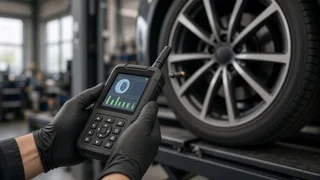
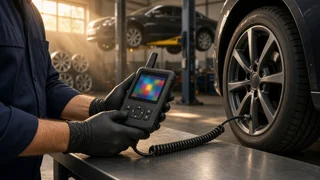
ATEQ VT55 / VT56 TPMS Diagnostic Tool
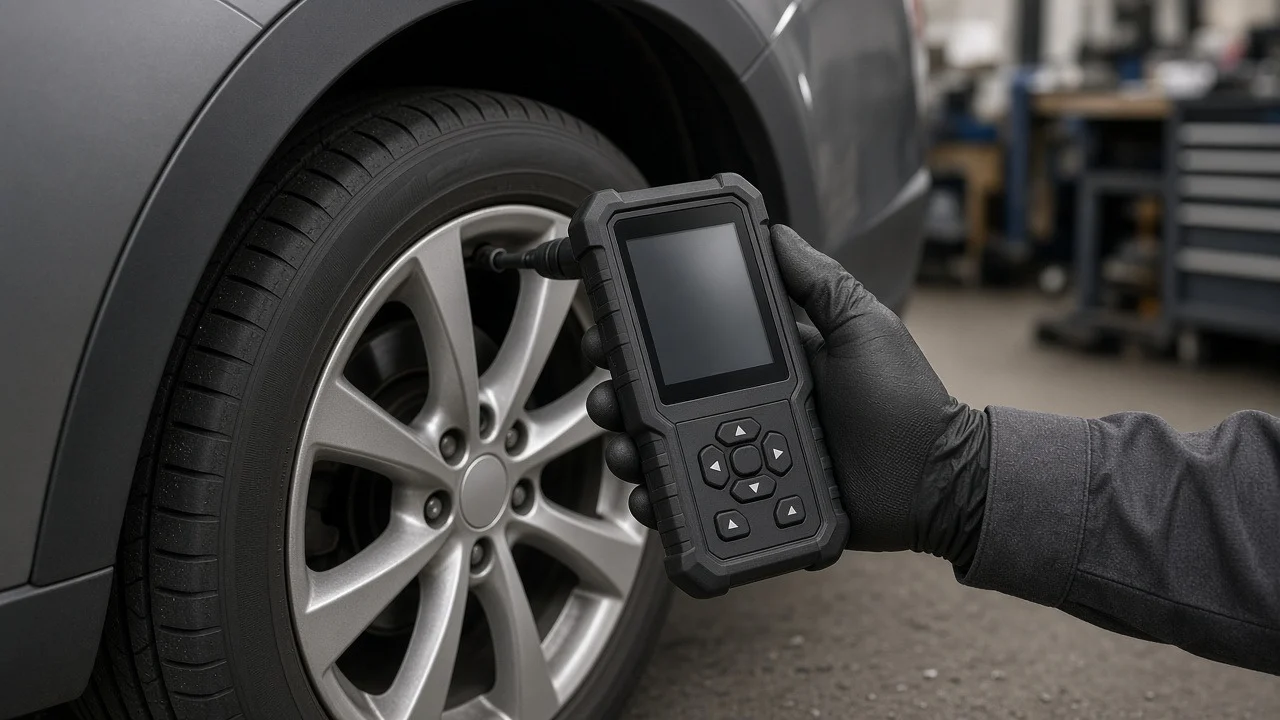
Choosing between the ATEQ VT55 and VT56 TPMS diagnostic tools means matching your workshop workflow to the right level of sensor coverage and vehicle communication. A TPMS diagnostic tool does more than clear a dash light; it reads sensor IDs, pressures, temperatures, and battery states to confirm whether a warning is a tire problem, a sensor issue, or a module concern. For shoppers comparing an ATEQ VT55 OBDII TPMS diagnostic tool with the newer VT56, the practical question is which functions you actually need for the vehicles you service and whether OBDII access changes the repair path.
The direct answer
The ATEQ VT56 TPMS diagnostic tool is the broader-coverage successor to the VT55, while the VT55 remains useful for earlier TPMS systems and simpler relearn routines. The measured search phrase "ateq vt55 obdii tpms diagnostic tool" points to a specific workflow: connecting through the OBDII port to trigger sensor relearns on vehicles that require an electronic handshake. A key condition is coverage. If your work includes late-model domestic, Asian, or European vehicles, the VT56's expanded database and update path are usually the better purchase; if the fleet is older or limited in variety, the VT55 may still complete the job.
When evaluating either unit, treat the OBDII connection as a communication gateway, not a universal fix. The tool reads the vehicle network, displays TPMS data, and may initiate a relearn, but it cannot override a failed sensor, a damaged antenna, or a wiring fault. Buyers should therefore confirm the tool supports the specific relearn procedure for their vehicles. A tool can be fully functional and still fail on one model simply because that manufacturer uses a stationary learn, a magnet trigger, or a diagnostic-only sequence the unit does not command.
Understanding a problem
A TPMS warning lamp can appear with low tire pressure, but it also appears when a sensor stops transmitting, when a sensor battery ages, or when the control module loses a stored ID after a tire rotation. A tool like the VT56 reads the current sensor signal and reports a trouble code plus associated live data and sometimes freeze-frame data. Those clues separate a slow leak from an electronic fault. If the sensor transmits a plausible pressure but the lamp stays on, the next check is the module memory and whether the correct ID is stored for each wheel position.
Do not treat a diagnostic code as proof that a particular sensor or module must be replaced. A no-signal code can come from a dead sensor battery, corrosion inside the valve stem, a wheel change, or a receiver fault. The useful next step is to compare symptom conditions with the tool's live data: check pressure and temperature readings at each corner, look for a missing ID, and perform a confirmation test after a relearn. If the tool cannot communicate, confirm the OBDII pins, vehicle ignition state, and whether that model requires an additional cable or module before replacing hardware.